89
Creating a favorite channel list with Station ID (SLV-N81 only)
filename[010addo.fm] model name1[SLV-N81] model name2[SLV-N71]
[3-065-551-11 (1)]
Additional Operations
Selecting a channel from your favorite channel list
Note
• If the TV channel has no station ID, the channel number appears on the TV screen.
3
Press </, to select the station ID you want to
set.
4
Repeat steps 2 and 3 to set the station IDs as needed.
5
Press ENTER.
1
Turn on your TV and set it to the video channel.
To choose a channel from a cable box, turn the cable box on.
2
Press ENTER.
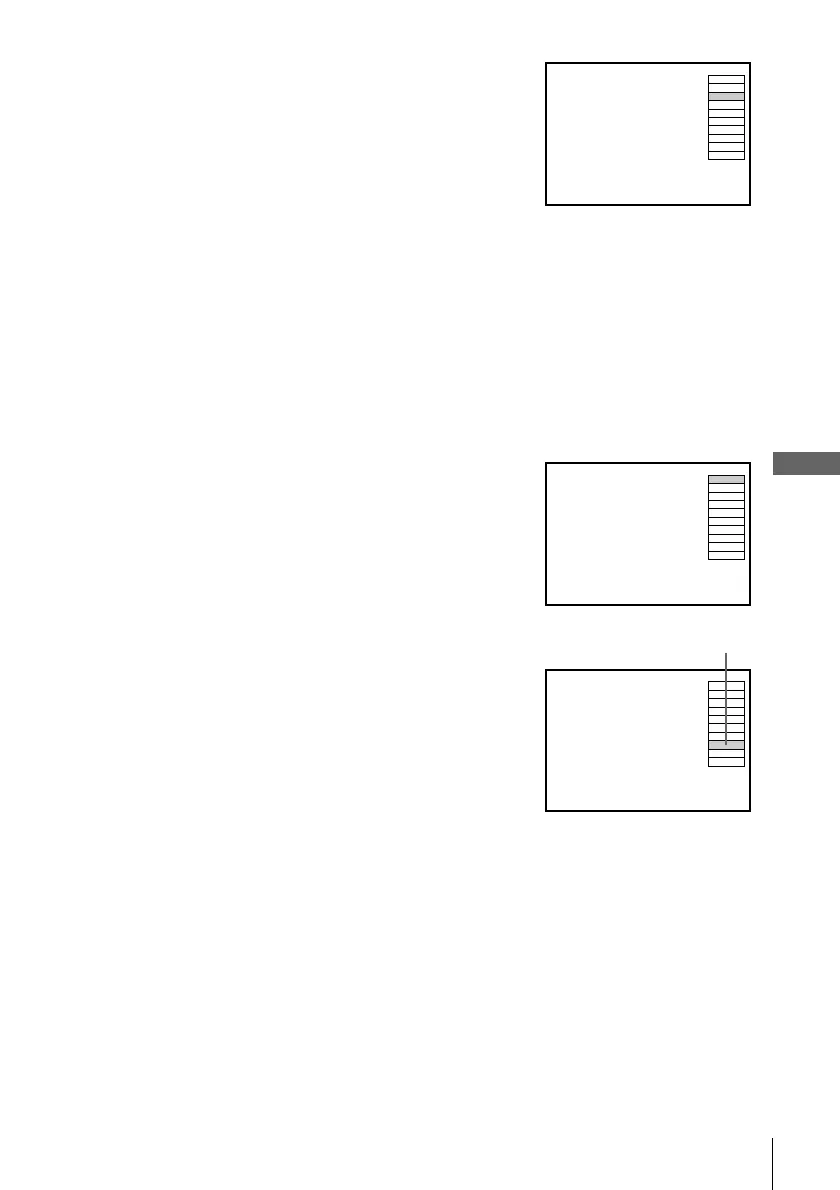
Your FAVORITE CH screen appears on the TV
screen.
3
Press CH +/– to select the station ID you want to
select.
4
Press ENTER.
AAB2
CDE5
1
1
FGH72
IJK31
LMN91
OPQ3
RST54
UVW34
XYZ22
ABB01
FAVORITE CH
AAB
FAVORITE CH
2
CDE5
1
1
FGH72
IJK31
LMN91
OPQ3
RST54
UVW34
XYZ22
ABB01
AAB
FAVORITE CH
2
CDE5
1
1
FGH72
IJK31
LMN91
OPQ3
RST54
UVW34
XYZ22
ABB01
The selected station ID








 To Next Page