NW-A605 / A607 / A608.GB.2-661-269-11(1)
3
3
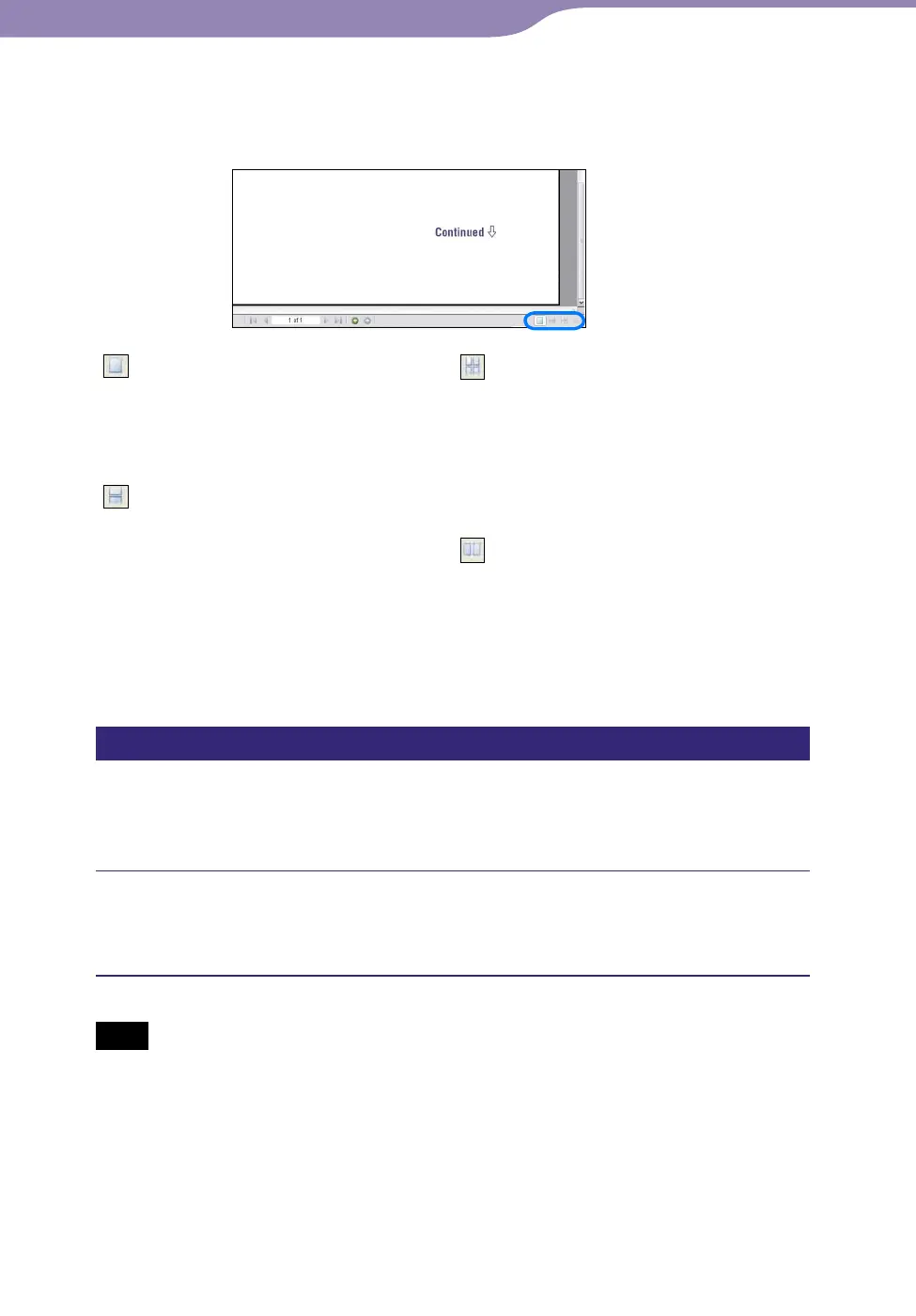
To change the page layout
The buttons at the bottom of the Adobe Reader screen enable you to select how
pages are displayed.
Single Page
Pages are displayed one at a time.
When you scroll, the display changes
to a previous or succeeding page.
Continuous
Pages are displayed as a continuous
roll of pages.
When you scroll, the previous and
next pages scroll up and down
continuously.
Continuous - Facing
Two pages are displayed side by side
with each pair part of a continuous
roll of pages. When you scroll, the
previous and next pairs of pages
scroll up and down continuously.
Facing
Two pages are displayed side by side.
When you scroll, the display changes
to previous or succeeding pairs of
pages.
Using CONNECT Player Help
Refer to CONNECT Player Help for details about using CONNECT Player,
such as importing tracks to your computer and transferring tracks to the
player.
Click “Help” – “CONNECT Player Help” while CONNECT Player
is running.
Help appears.
Note
• In CONNECT Player Help, the player is referred to as “Device.”



 To Next Page