NW-A605 / A607 / A608.GB.2-661-269-11(1)
34
34
Setting the Sound Quality
(Digital Sound Preset)
You can adjust the treble and bass. You can preset 2 settings, which can be
selected while the audio player is played.
Selecting the Sound quality setting
Default settings
Sound quality
(Indication)
Sound 1
( 1)
Sound 2
( 2)
Sound OFF
(None)
Bass +1 +3 0
Treble 0 0 0
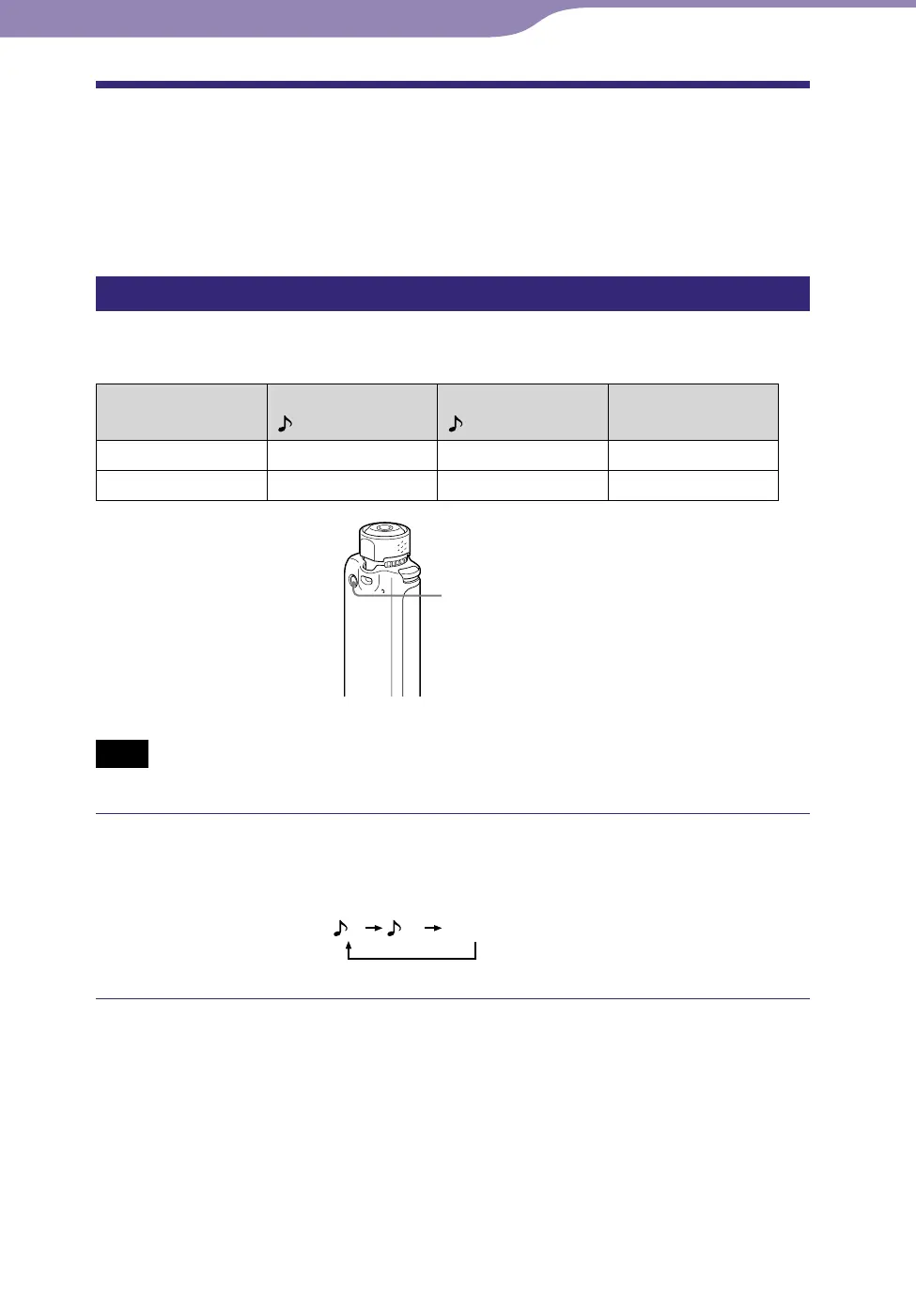
REPEAT/SOUND
button
Note
• You cannot select the Sound quality setting while using the FM tuner.
Press and hold momentarily the REPEAT/SOUND button.
Each time the button is pressed, the Sound quality setting is changed as
follows:



 To Next Page