NW-A605 / A607 / A608.GB.2-661-269-11(1)
57
57
3 Selecting broadcast stations
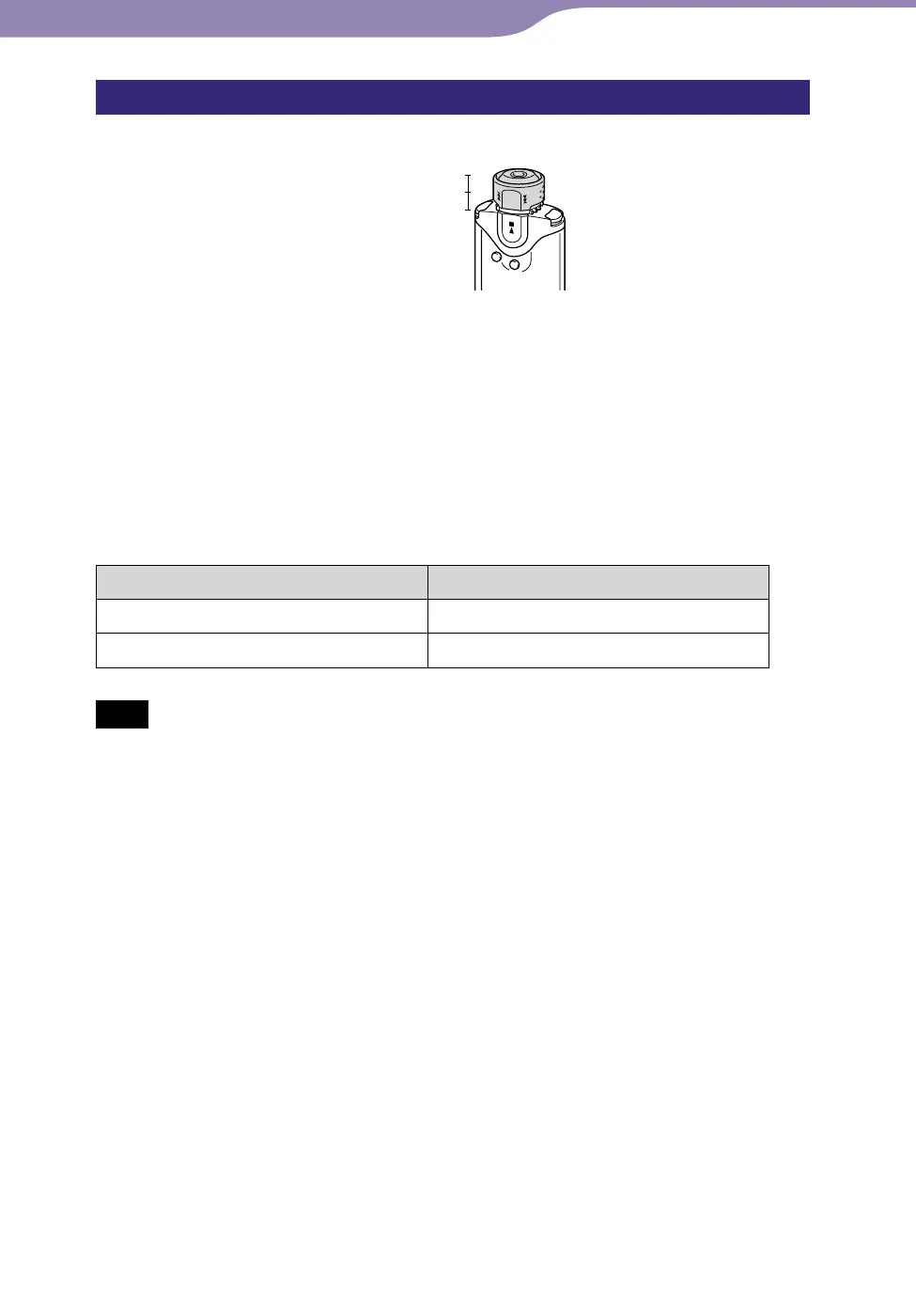
There are 2 ways (preset or manual tuning) to select broadcast stations.
ALBUM (Manual)
Preset
Hold
• Preset Tuning: Set the Shuttle switch to the center (Preset) position to enter
preset tuning mode. In preset tuning mode, you can select broadcast stations
by preset number.
• Manual Tuning: Set the Shuttle switch to the ALBUM (Manual) position to
enter manual tuning mode. In manual tuning mode, you can select broadcast
stations by frequency.
Preset Tuning
The preset number appears in [ ].
To Shuttle switch operation
Select the next preset number
Rotate the Shuttle switch to .
Select the previous preset number
Rotate the Shuttle switch to .
Note
• You cannot select broadcast stations if no preset stations are entered. Preset the
receivable stations using “FM Auto Preset” (
page 56).
Continued
FM Tuner...Listening to FM Radio



 To Next Page