NW-A605 / A607 / A608.GB.2-661-269-11(1)
42
42
Changing the Display Mode
You can view various information in the display while using the Music Library
function. To change display mode, press the DISP/FUNC button.
There are 6 types of display, and you can set the desired display in the Setting
menu (
page 45).
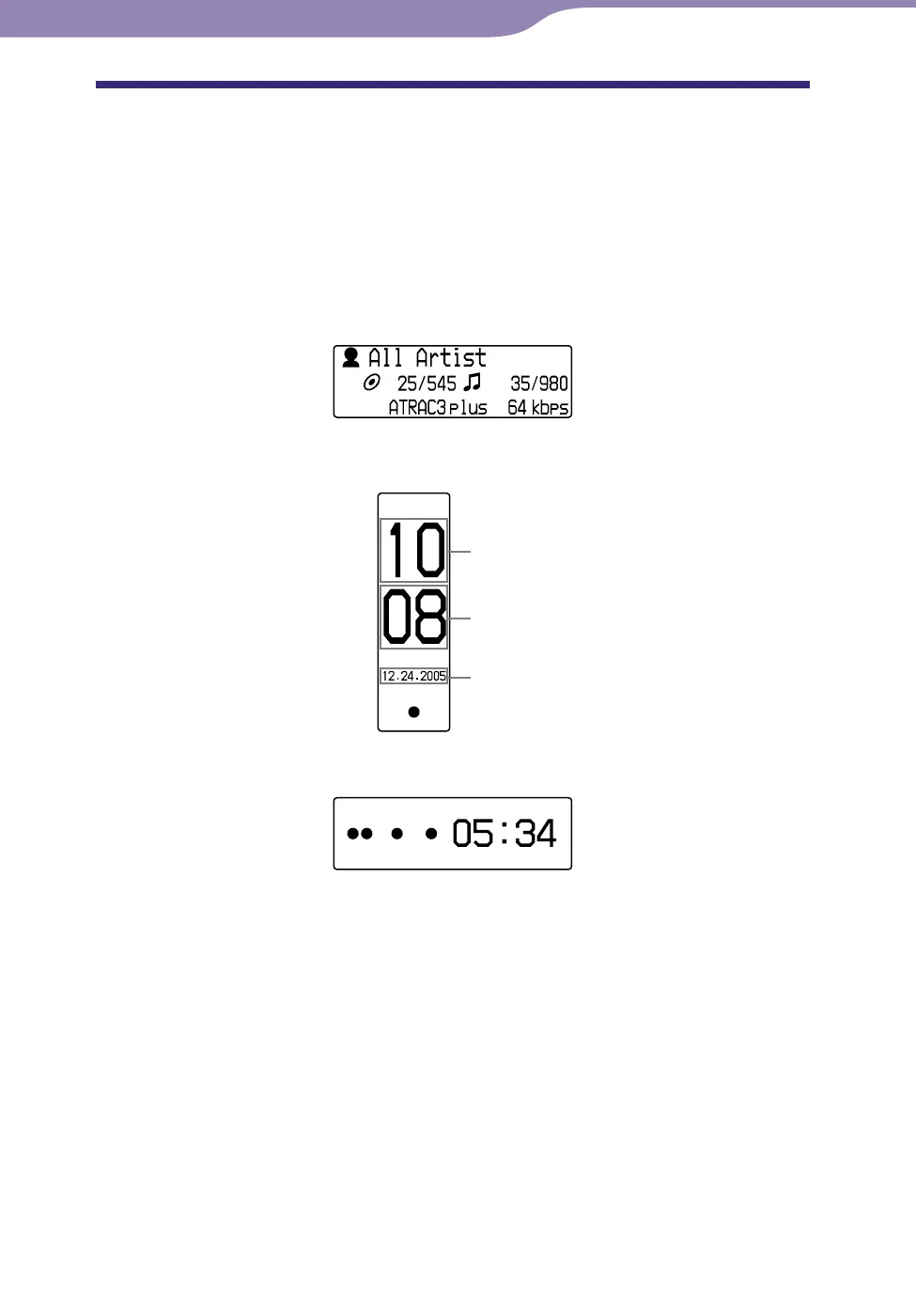
• Property: Displays the current Play Range, the current album number/total
album number within the Play Range, the current track number/total track
number within the Play Range, the CODEC (compression type), and bit rate.
• Clock1: Displays the current time and date.
Hour
Minute
Date
• Clock2: Displays the current time.
Continued
Settings



 To Next Page