NW-A605 / A607 / A608.GB.2-661-269-11(1)
44
44
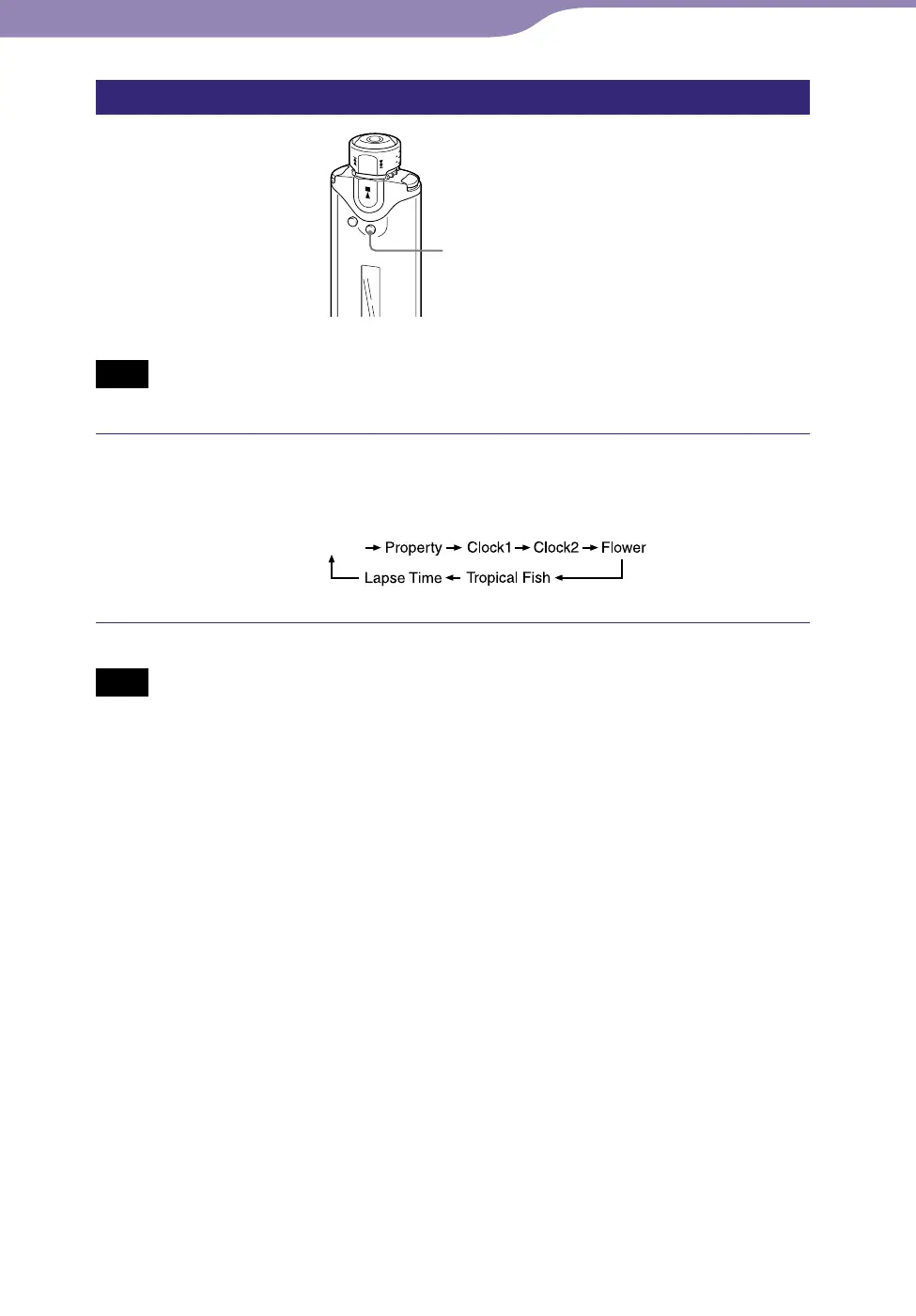
Changing the display mode
DISP/FUNC button
Note
• Only available when using the Music Library function.
Press the DISP/FUNC button while using Music Library
function.
Each press changes the display mode as follows:
(normal display)
Note
• The diagram above shows the order when all the display types are set to on (has check
mark) in the “Display Screen” menu (
page 45). Display types set to off (no check
mark) will not appear.
Continued
Settings...Changing the Display Mode



 To Next Page