PRS-300.GB.4-151-151-11(1)
Importing and Transferring Content
Slide the POWER switch.
The Reader is turned on.
Note
• If the Reader does not tur
n on, the battery has been fully
depleted. In this case, go to the next step. Although charging is in
progress (charge indicator lights up in red), the Reader will not
turn on until (indicating connection via USB) appears on the
screen (it takes at least 40 minutes).
Connect the Reader to your computer using the
supplied USB cable. (
page 11
)
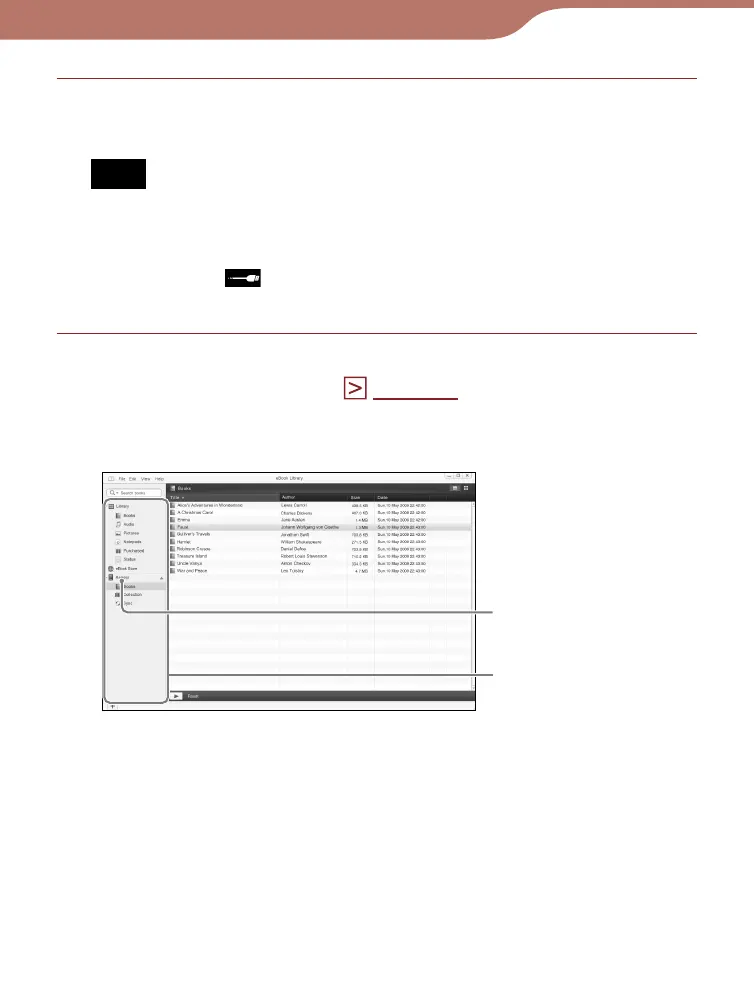
eBook Library starts automatically and “Reader”
appears in the Source view of eBook Library.
Reader
Source view
Continued
27













 To Next Page