PRS-300.GB.4-151-151-11(1)
Settings
Settings menu items
In the “Settings” menu, you can configure the following
settings.
Setting item Description
“Orientation”
Switches the screen orientation.
Setting operation
1. On the “Settings” screen, press the number
1 button.
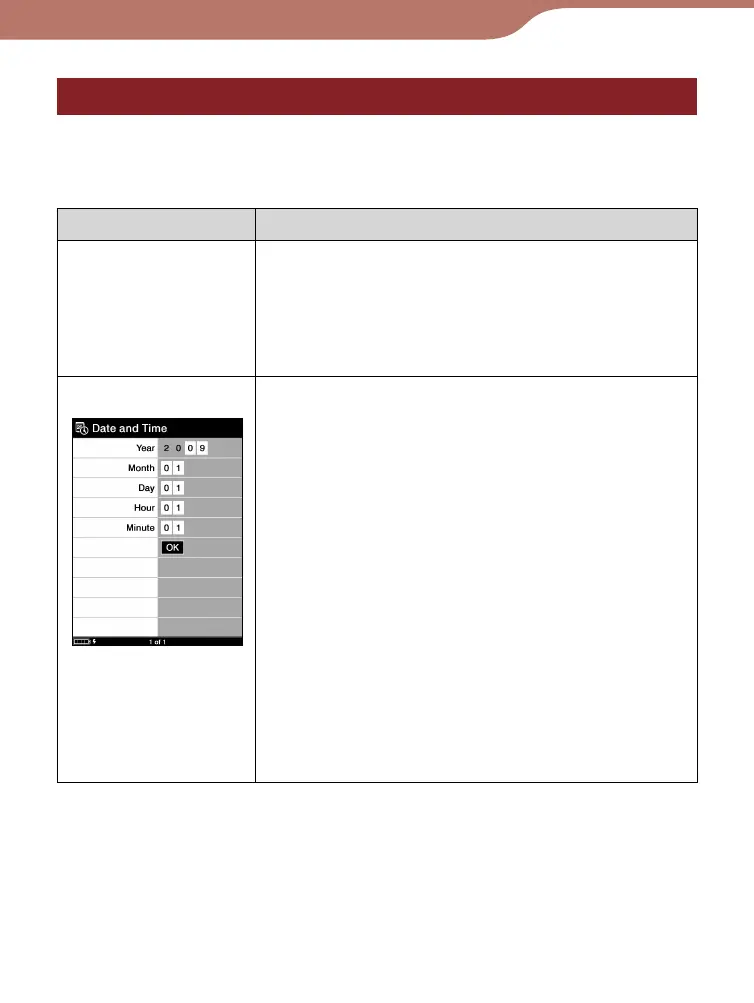
“Date and Time”
Sets date and time displayed on the
Reader.
Setting operation
1. Press the /// buttons to move the
cursor.
2.
Press the number buttons to input the value.
3. Press the /// buttons to move the
cursor onto “OK,” then press the Enter
button.
Hint
When you connect the Reader to your
computer with eBook Library open, the date
and time of the Reader is automatically
synchronized with your computer’s clock.
Continued
57













 To Next Page