PRS-300.GB.4-151-151-11(1)
Settings
Setting item Description
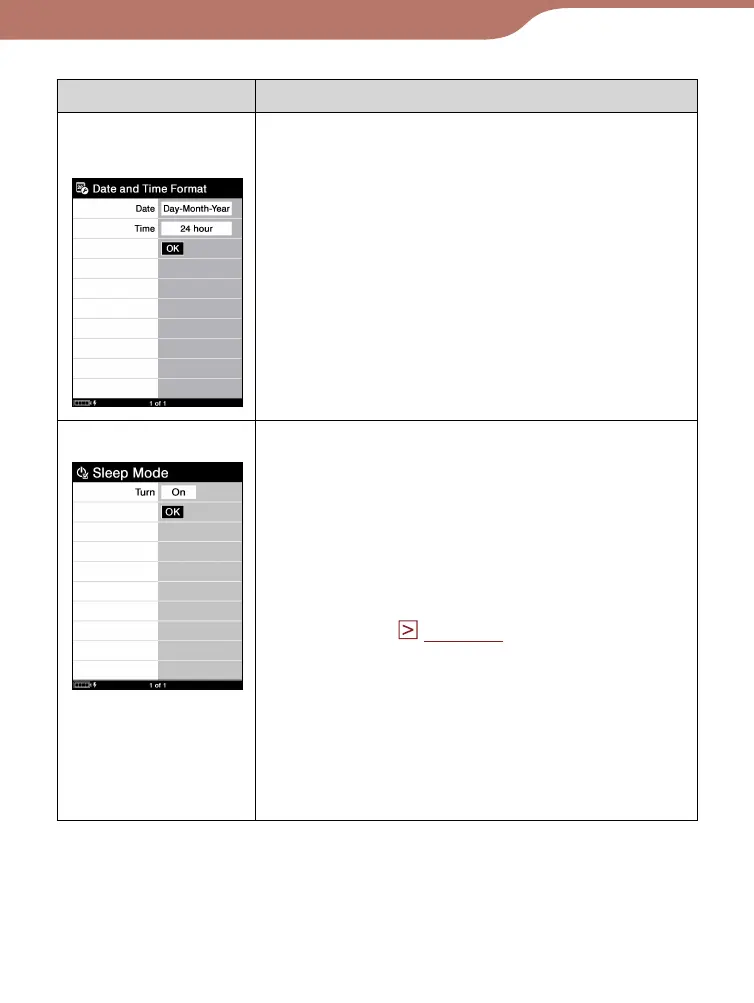
“Date and Time
Format”
Sets the display format of date and time.
“Date”: “Month-Day-Year,” “Day-Month-Year”
“Time”: “12-hour,” “24-hour”
Setting operation
1. Press the /// button to move the
cursor.
2.
Press the Enter button to change the format
type.
3.
Press the /// buttons to move the
cursor onto “OK,” then press the Enter
button.
“Sleep Mode”
Activates or deactivates sleep mode.
“On” (default setting):
After 60 minutes of inactivity, the Reader
enters sleep mode automatically while the
battery power is consumed slightly.
“Off”: The Reader does not activate sleep
mode.
For details, see “About the sleep mode of
the Reader.” (
page 10
)
Setting operation
1. Press the Enter button to select “On” or
“Off.”
2.
Press the /// buttons to move the
cursor onto “OK,” then press the Enter
button.
Continued
58













 To Next Page