PRS-300.GB.4-151-151-11(1)
Reading Books
About the Options menu
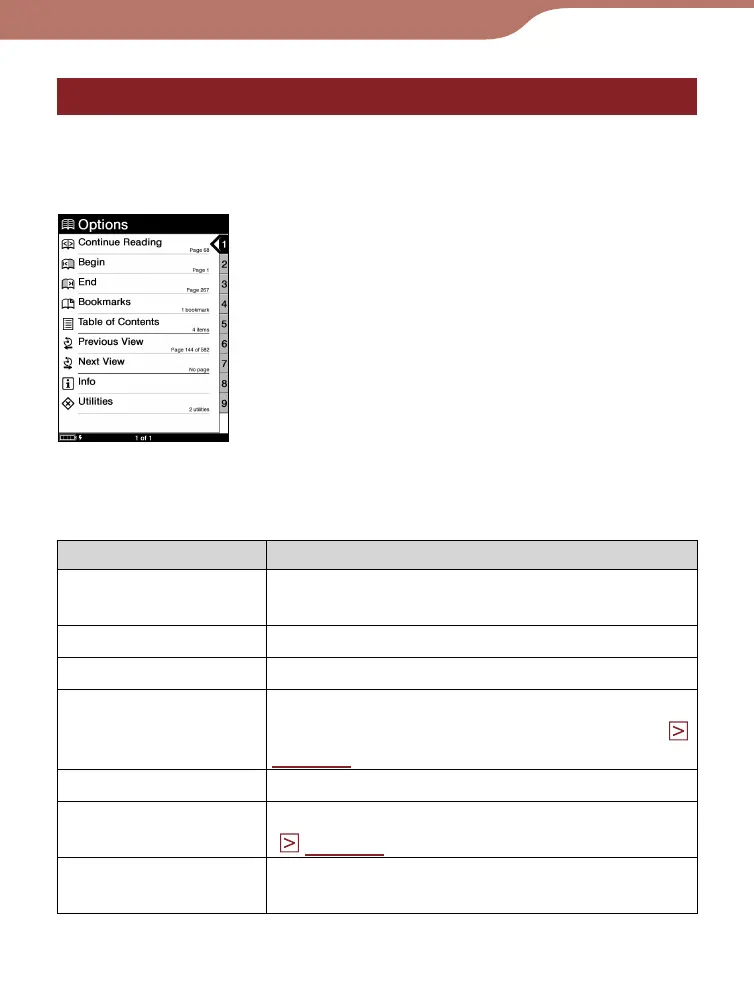
The “Options” menu appears after you select a book from
the list. You can choose the point to start the book or use the
various features from the menu.
“Options” menu
“Options” menu items
Display item Description/Reference page
Continue Reading Opens the last displayed page of the
book.
Begin Opens the first page of the book.
End Opens the final page of the book.
Bookmarks*
1
Opens the bookmark list of the book. You
can create bookmarks on the Reader. (
page 46
)
Table of Contents*
2
Opens the table contents of the book.
Previous View
Opens the previously displayed pages.
(
page 51
)
Next View Returns to pages viewed by “Previous
View.”
Continued
40













 To Next Page