PRS-300.GB.4-151-151-11(1)
Reading Books
Jumping to the specified number page
directly
You can jump directly to a page by inputting the page
number with the number buttons.
On the book page, press the number buttons to
input the page number.
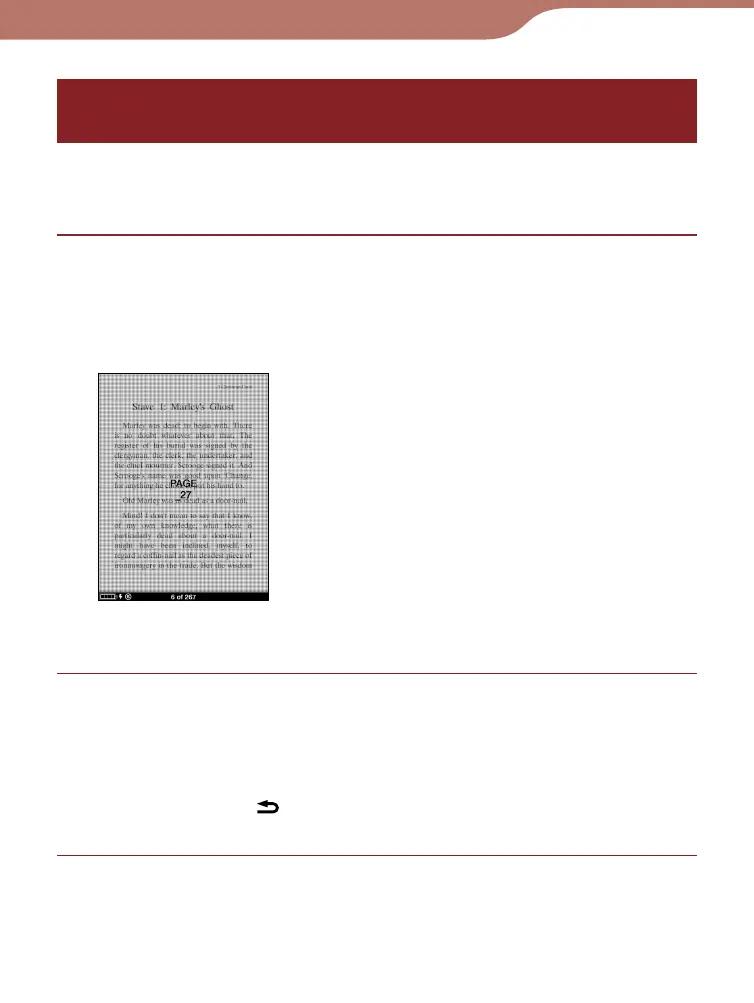
The input page number appears in the center of the
page.
To clear the input page number, press the
button.
Press the Enter button.
The page of the input page number appears.
Hint
• By pressing the (Return) button, the screen to input number
disappears. You can input the page number again.
Continued
50













 To Next Page