PRS-300.GB.4-151-151-11(1)
Importing and Transferring Content
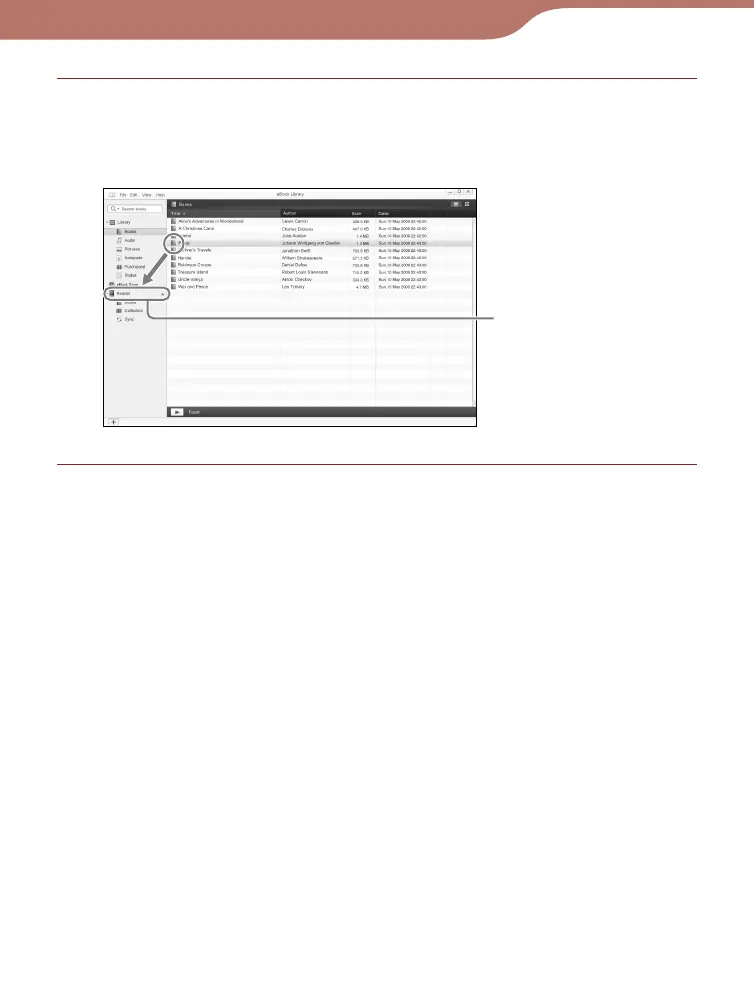
Drag the content from the list to “Reader” in the
Source view.
The content is transferred to the Reader.
Reader
Hint
• You can store computer data into the internal memory of the
Reader by transferring the data from your computer using Windows
Explorer.
Continued
29













 To Next Page