PRS-300.GB.4-151-151-11(1)
Settings
Setting item Description
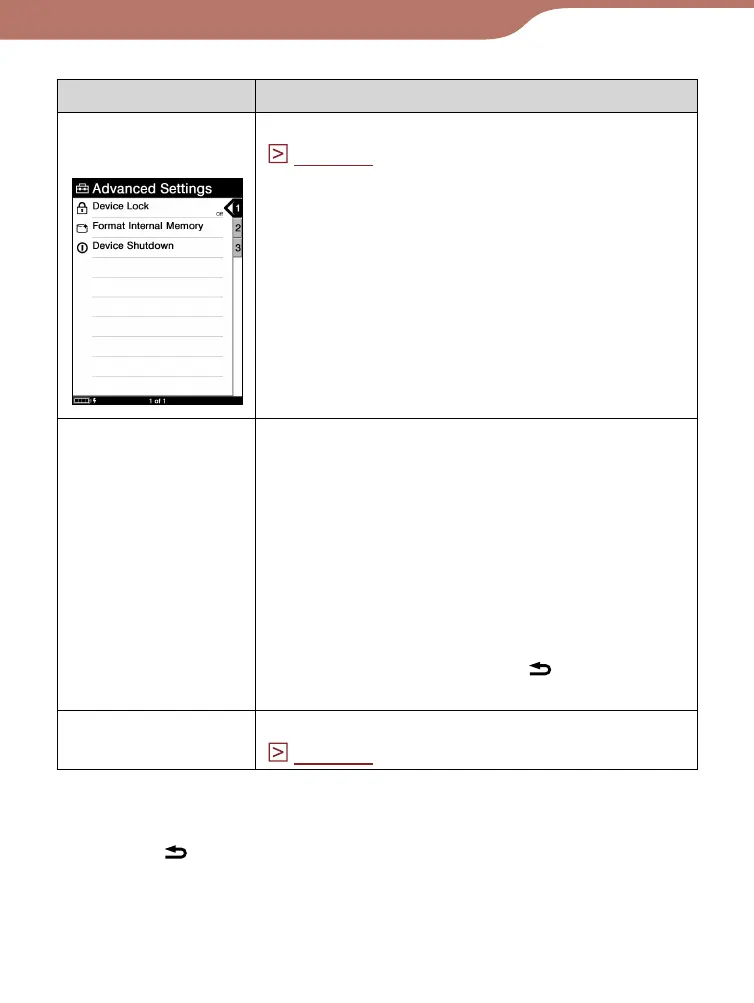
“Advanced
Settings”
Refer to “Advanced Settings menu items.”
(
page 61
)
“About”
Displays the firmware version of the
Reader, product name, license
information, etc.
Setting operation
1. On the “Settings” screen, press the number
7 button.
Hint
To close the “About” page and return to the
“Settings” menu, press the
(Return)
button.
“Restore
Defaults”
Refer to “Restoring default settings.”
(
page 72
)
To cancel the operation
Press the (Return) button.
Continued
60













 To Next Page