PRS-300.GB.4-151-151-11(1)
Settings
Setting item Description
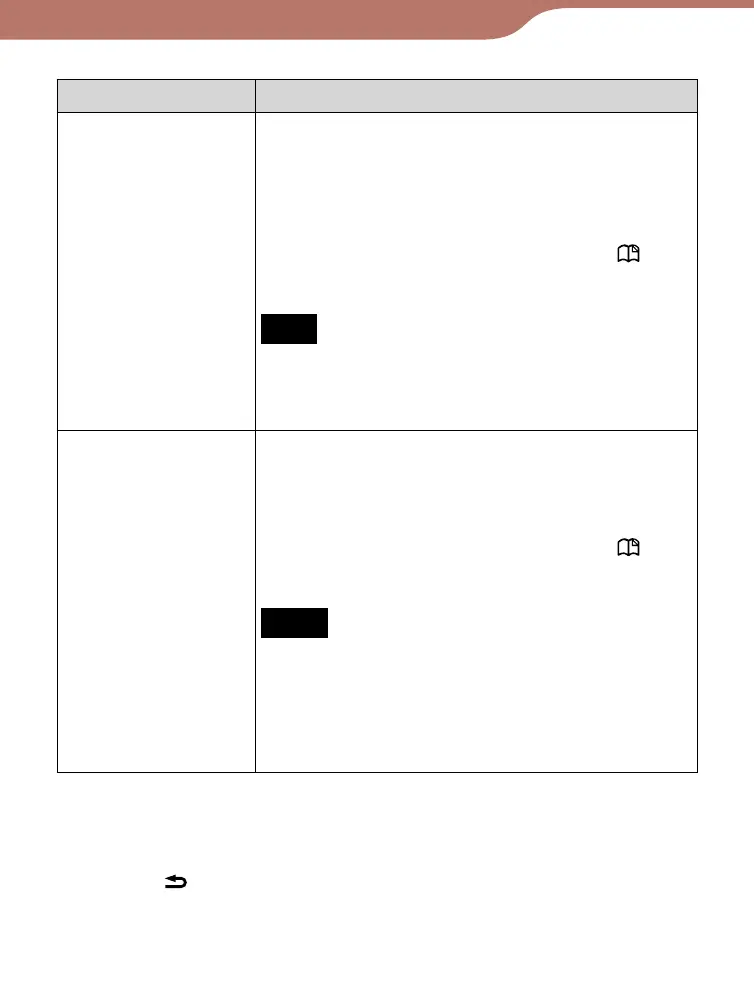
“Format Internal
Memory”
Formats the internal memory of the
Reader. By formatting the memory, all the
contents on the Reader will be erased.
Setting operation
On the confirmation screen, press the
(Bookmark) button.
Note
Before formatting, make sure to transfer data
that you do not want to lose to your
computer or other device.
“Device
Shutdown”
Shuts down the Reader to minimize
battery consumption.
Setting operation
On the confirmation screen, press the
(Bookmark) button.
Notes
After shutdown, the Reader may take a few
moments to turn on.
When you connect the Reader to y
our
computer after shutdown, the Reader needs
to be turned on again.
To cancel the operation on the confirmation
screen
Press the (Return) button.
63













 To Next Page