Charging the Reader
13
Table of Contents Index
Note
The Reader only charges when the connected computer is
powered on.
The Reader cannot be operated when connected to a
computer via USB.
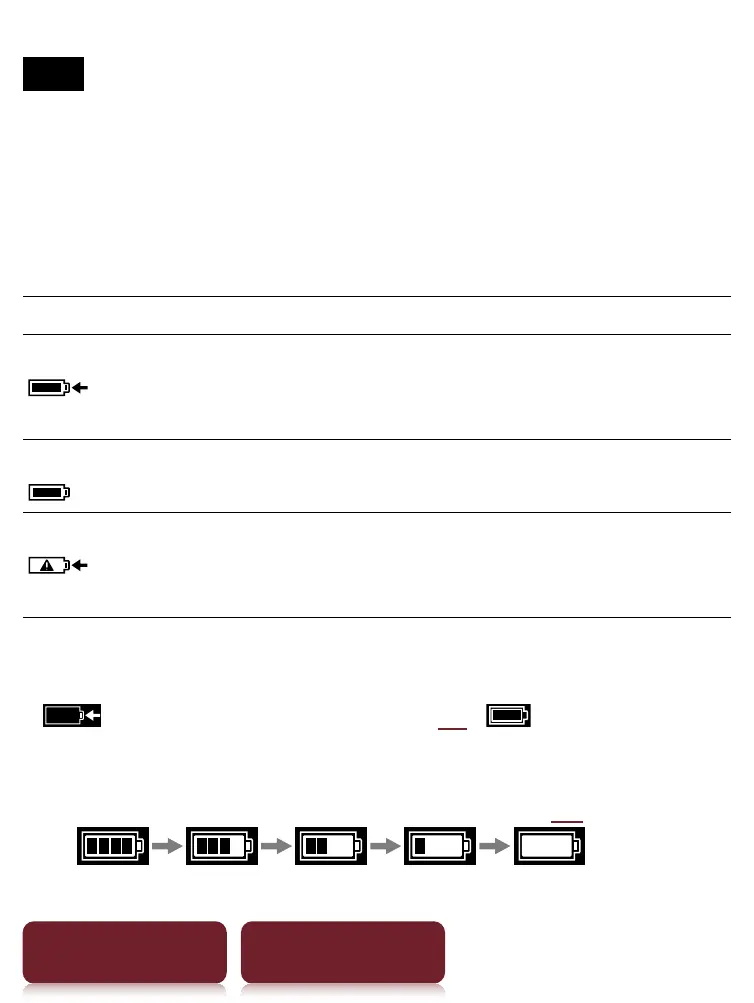
Status indicators during charging
Icon and message Status
[Charging battery]
Charging in progress. The battery
icon does not indicate remaining
battery power during charging.
[Charging complete]
Fully charged
[Charging stopped]
The Reader is not charging its
battery. Follow the on-screen
instructions.
Tip
While charging with the optional AC adapter (PRSA-AC1),
appears in the status bar (
30). appears when
fully charged.
To check battery status in the status bar (
30
) during use
Charging battery recommended













 To Next Page