29
GB
Network connections
10
Make the server settings.
To enjoy content stored on the server over the
network that has been set up in this section,
you need to set up your server first (page 32).
Confirming the network
settings
You can confirm the network status and settings.
1
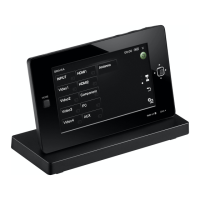
Press HOME on the unit.
The HOME screen appears.
2
Tap “ Settings.”
The settings menu appears.
3
Tap “Network Settings.”
The connection type screen appears.
4
Tap “Connection Diagnosis,” then
tap “Next b.”
The result of the connection diagnosis
appears.
5
Tap the item you want to check.
You can select from following items.
Wireless LAN Connection/IP Address/DNS/
Proxy Server
6
Tap “Close.”


 To Next Page