68
GB
Changing settings
You can set or change the various settings. Do the
following to change a setting.
1
Press HOME on the unit.
The HOME screen appears.
2
Tap “ Settings.”
3
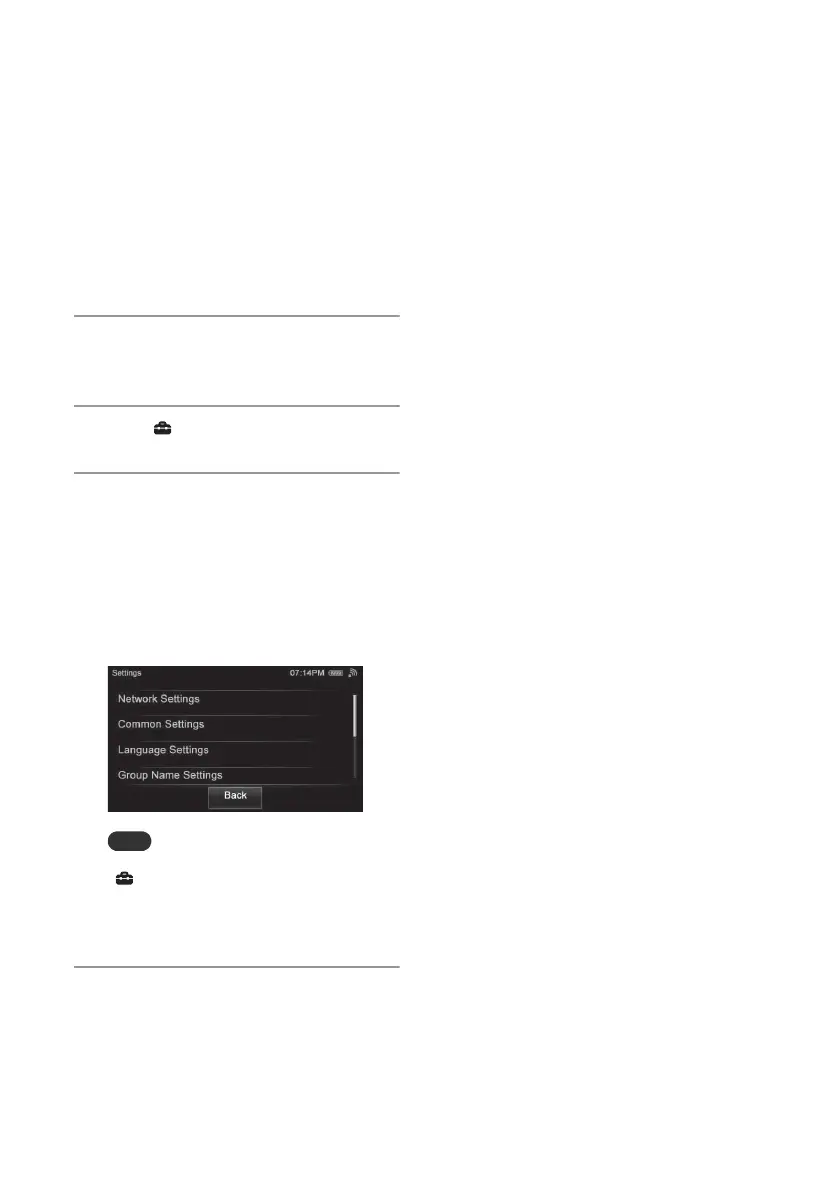
Tap the desired menu item.
The following settings can be selected.
• Network Settings
• Common Settings
• Language Settings
• Group Name Settings
• System Update
• Device Details
Note
A confirmation screen appears when you tap
“ Settings” on the screen while you are
performing the Activity. Tap “OK” if you want to
change the settings. The Activity currently being
performed will be canceled in this case.
4
Tap the item repeatedly until you
complete the settings.


 To Next Page