52
GB
Useful function
Using the Smart Select
function
This function allows the unit to find the target
device by using the infrared function.
1
Press HOME on the unit.
The HOME screen appears.
2
Tap the “Device” tab.
3
Tap “Smart Select.”
“Searching for Smart Select compatible
devices in front of you...” appears.
The Activity list appears when the unit has
found the device.
4
Tap the desired Activity.
Note
This function can be used when the Smart Select function
of the Sony device is activated.
Using the unit as an
infrared remote control
You can use this unit as an infrared remote control.
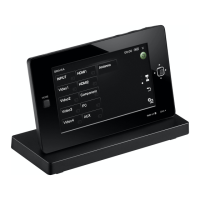
Be sure the unit is facing towards the remote
sensor of the device after adjusting the angle
referring to the following illustration.


 To Next Page








