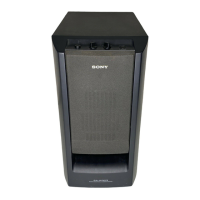
SA-WCT770
13
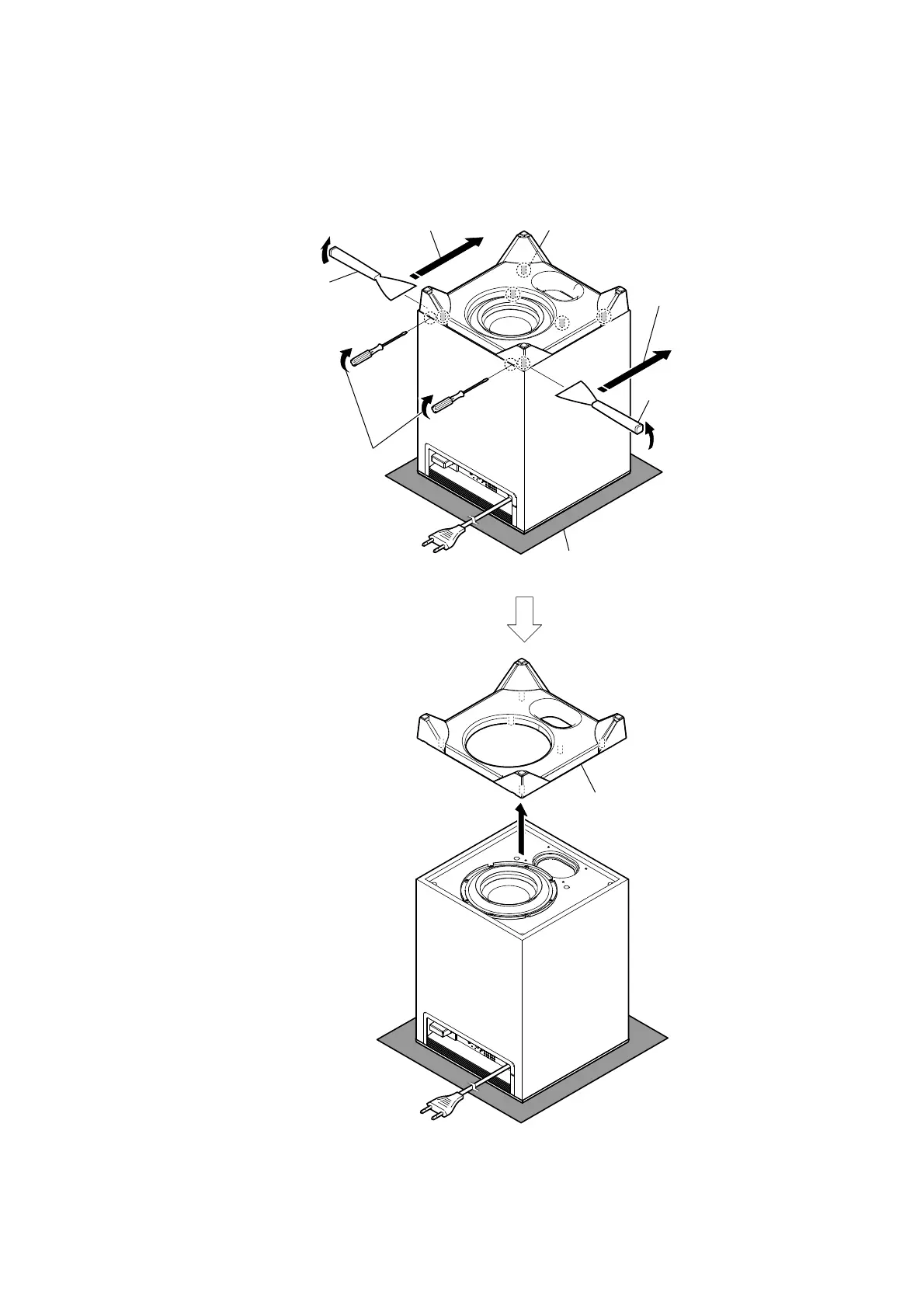
2-12. BOTTOM PANEL BLOCK
Note 1:
Please spread a sheet under a unit
not to injure top panel.
total six bosses
3 All bosses are removed while
moving jig in the direction of
the arrow, and bottom panel
block is removed.
3 All bosses are removed while
moving jig in the direction of
the arrow, and bottom panel
block is removed.
1 Insert a flat-head screwdriver in
two slits behind a unit, and lift
the bottom panel block a little.
4 bottom panel block
Note 3: When installing the bottom panel block,
remove the used bond and use a new
bond to fix the bottom panel block.
2 Insert the jig into a space and raise
bottom panel block.
Note 2: When using a jig, please work
so as not to injure bottom panel
block.
2 Insert the jig into a space and raise
bottom panel block.
Note 2: When using a jig, please work
so as not to injure bottom panel
block.
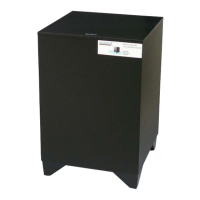
– Rear bottom view –


 To Next Page