7
GB
Getting Started
Connecting via DIGITAL (CD) OUT OPTICAL
connector
Use an optical digital cable for this connection. When connecting
the optical digital cable to the DIGITAL (CD) OUT OPTICAL
connector, take the cap off the connectors and push the cable
plugs in until they click into place.
Be careful not to bend or twist the optical cable.
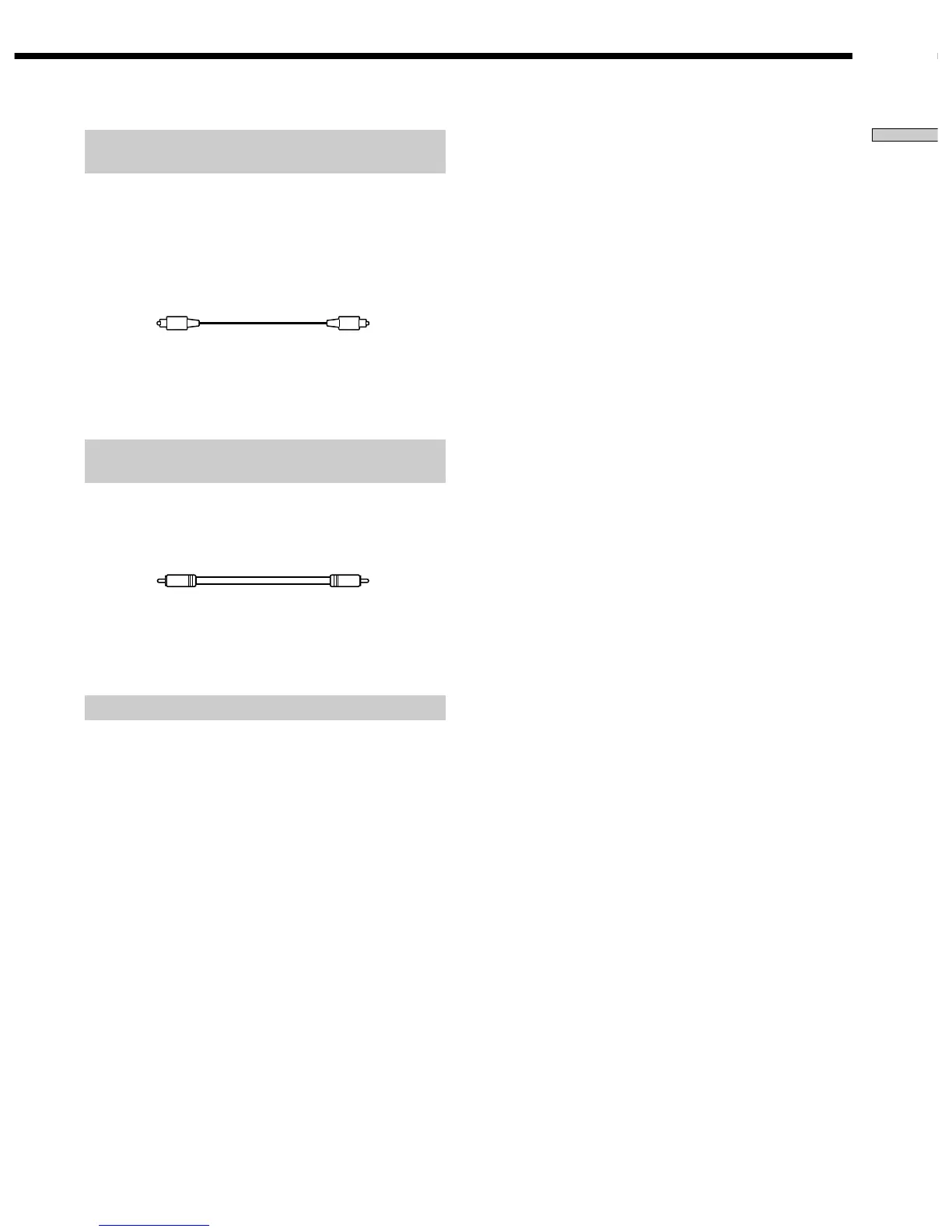
Optical digital cable (not supplied)
Note
Only the audio signals of conventional CDs can be output from
the DIGITAL (CD) OUT connectors. Those of the Super Audio
CD cannot be output through DIGITAL (CD) OUT.
Connecting via DIGITAL (CD) OUT COAXIAL
connector
Use a coaxial digital cable to connect the audio components
equipped with coaxial digital input connectors.
Coaxial digital cable (not supplied)
Note
Only the audio signals of conventional CDs can be output from
the DIGITAL (CD) OUT connectors. Those of the Super Audio
CD cannot be output through DIGITAL (CD) OUT.
Connecting the AC power cord
Connect the AC power cord to a wall outlet.



 To Next Page