34 US
B Various playback modes
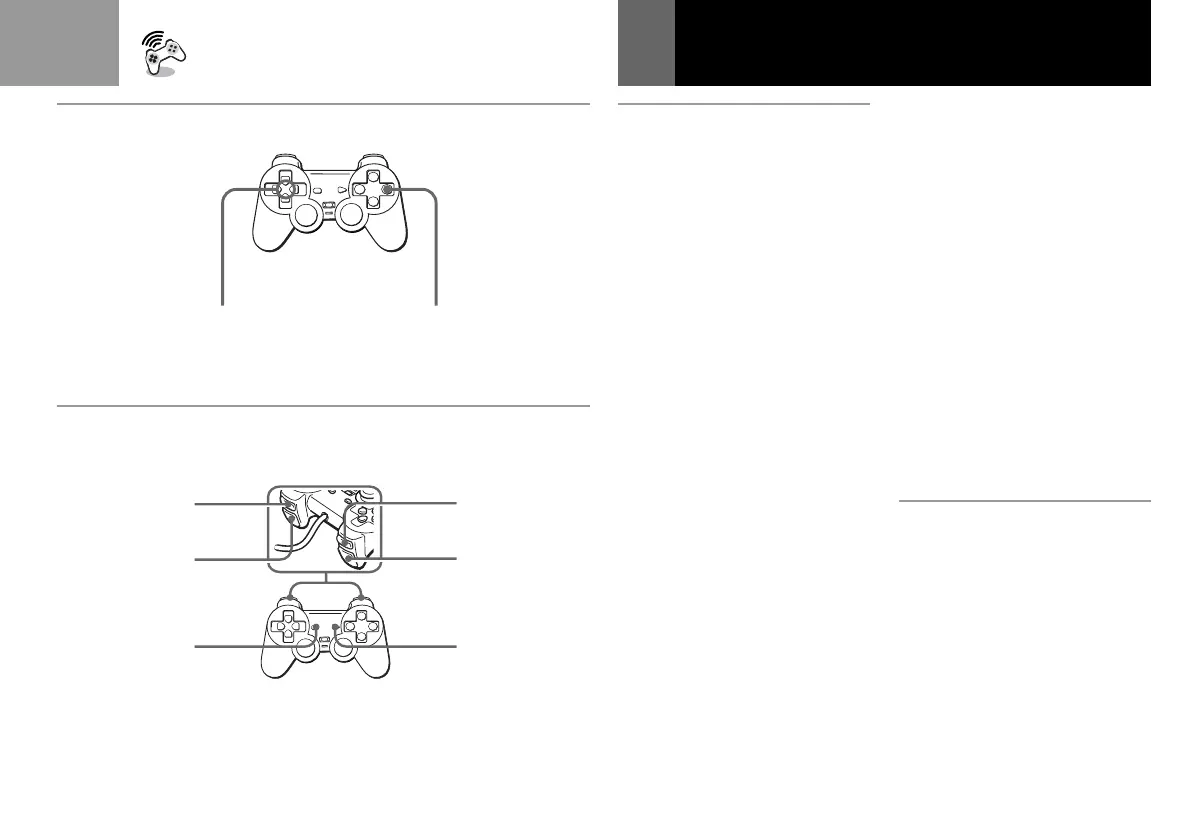
How to use the controller for
the CD operation screen
• To move the arrow: Press the
directional buttons.
• To select the items: Press the a
button.
• You can also operate with the
optional SCPH-1090U Mouse.
To play a CD until the end once
Select “N”.
To play tracks repeatedly
• To repeat the current track, select
“REPEAT” until “REPEAT 1”
appears, then select the number
of the specific track you want to
repeat.
• To repeat all the tracks, select
“REPEAT” until “REPEAT ALL”
appears, then select “N”.
To resume normal play, select
“REPEAT” until the “REPEAT”
indication disappears.
Start SoundScope
(see page 36)
Démarrez SoundScope
(voir page 37)
Inicie SoundScope
(consulte la página 37)
Playing an audio CD (Continued)
To play specific tracks
1 Select “PROGRAM”.
2 Select the number of the
specific track you want to
play.
Repeat this step until you
have selected all the tracks
you want to play.
3 Select “N”.
To resume normal play, select
“CONTINUE”.
To play the tracks in random
order
1 Select “SHUFFLE”.
2 Select “N”.
To resume normal play, select
“CONTINUE”.
C To operate the CD using
the controller
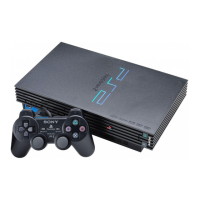
Using the buttons on the controller,
you can control basic CD
operations without looking at the
screen.
Directional buttons
Touches directionnelles
Botones de dirección
a button
Touche a
Botón a
B
C
>
M
.
m
N,X



 To Next Page