18
G:\4090729111\0490729111SDMP82UC\02US-SDMP82UC\01US02BAS-UC.fm
masterpage:Left
SDM-P82
4-090-729-11(1)
Troubleshooting
Before contacting technical support, refer to this section.
On-screen messages
If there is something wrong with the input signal, one of the
following messages appears on the screen. To solve the problem,
see “Trouble symptoms and remedies” on page 19.
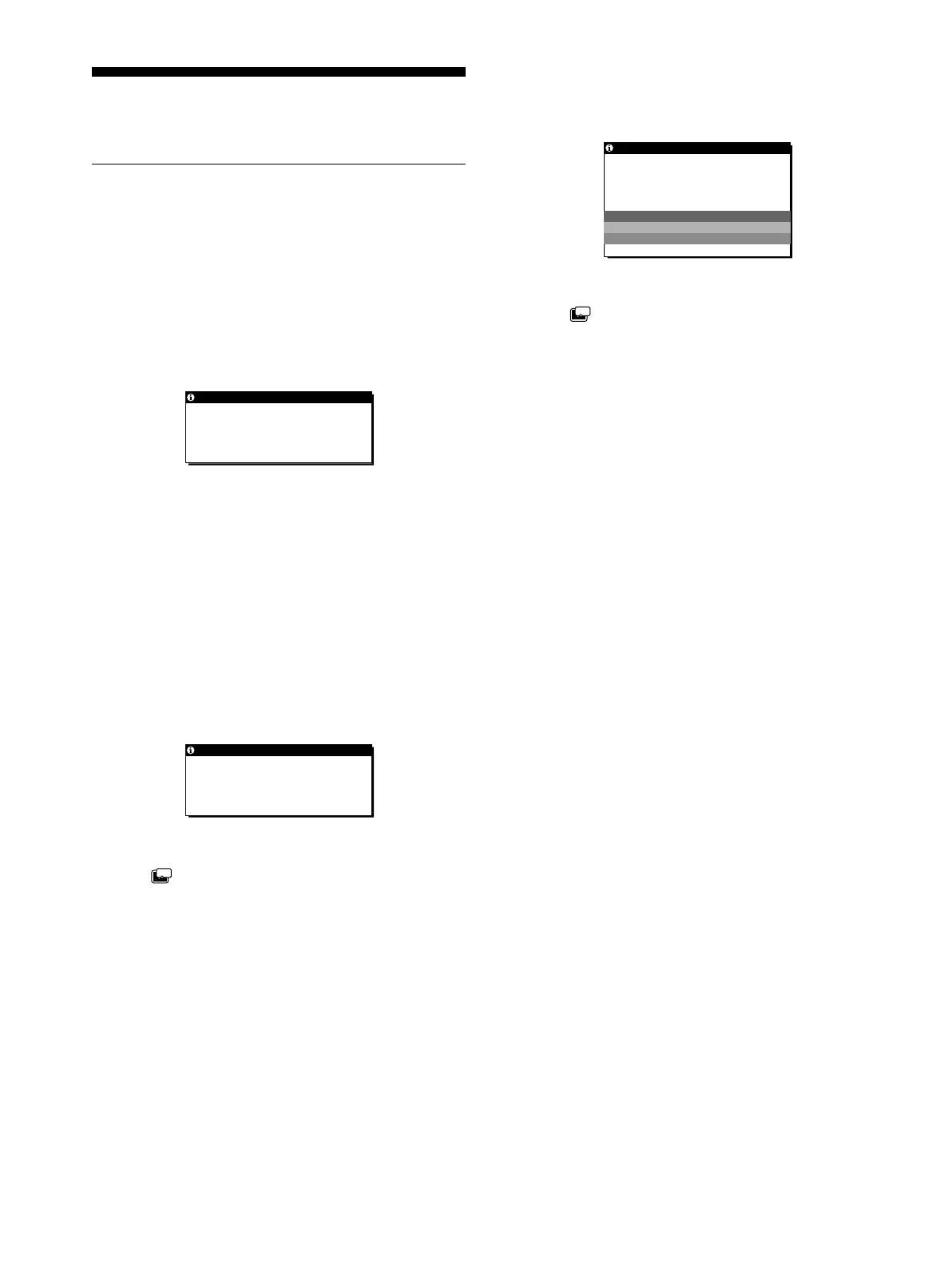
If OUT OF SCAN RANGE appears on the screen
This indicates that the input signal is not supported by the
monitor’s specifications. Check the following items.
For more information about on-screen messages, see “Trouble
symptoms and remedies” on page 19.
If “xxx.x kHz/xxx Hz” is displayed
This indicates that either the horizontal or vertical frequency
is not supported by the monitor’sspecifications.
The figures indicate the horizontal and vertical frequencies of
the current input signal.
If “RESOLUTION > 1280 × 1024” is displayed
This indicates that the resolution is not supported by the
monitor’s specifications (1280 × 1024 or less).
If NO INPUT SIGNAL appears on the screen
This indicates that no signal is being input via the currently
selected connector.
GO TO POWER SAVE
If the (POWER SAVE) is set to “ON,” the monitor will
enter the power saving mode after about 5 seconds from the
time the message is displayed.
If CABLE DISCONNECTED appears on the screen
This indicates that the video signal cable has been disconnected
from the currently selected connector.
GO TO POWER SAVE
If the (POWER SAVE) is set to “ON,” the monitor will
enter the power saving mode after about 5 seconds from the
time the message is displayed.
OUT OF SCAN RANGE
INPUT1:DVI -D
xxx.xkHz/ xxx.xHz
INFORMATION
NO I NPUT S I GNAL
I NPUT1 :DV I - D
GO TO POWER SAVE
INFORMATION
ZZ...
CABLE D I SCONNECTED
INPUT1:DVI -D
GO TO POWER SAVE
INFORMATION
ZZ...
01US01COV-UC.book Page 18 Friday, May 17, 2002 3:51 PM



 To Next Page