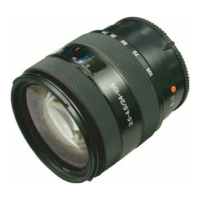
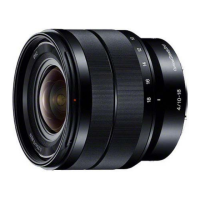
SEL1018 (E 4/10-18 OSS) (E 10-18mm F4 OSS)
4-5
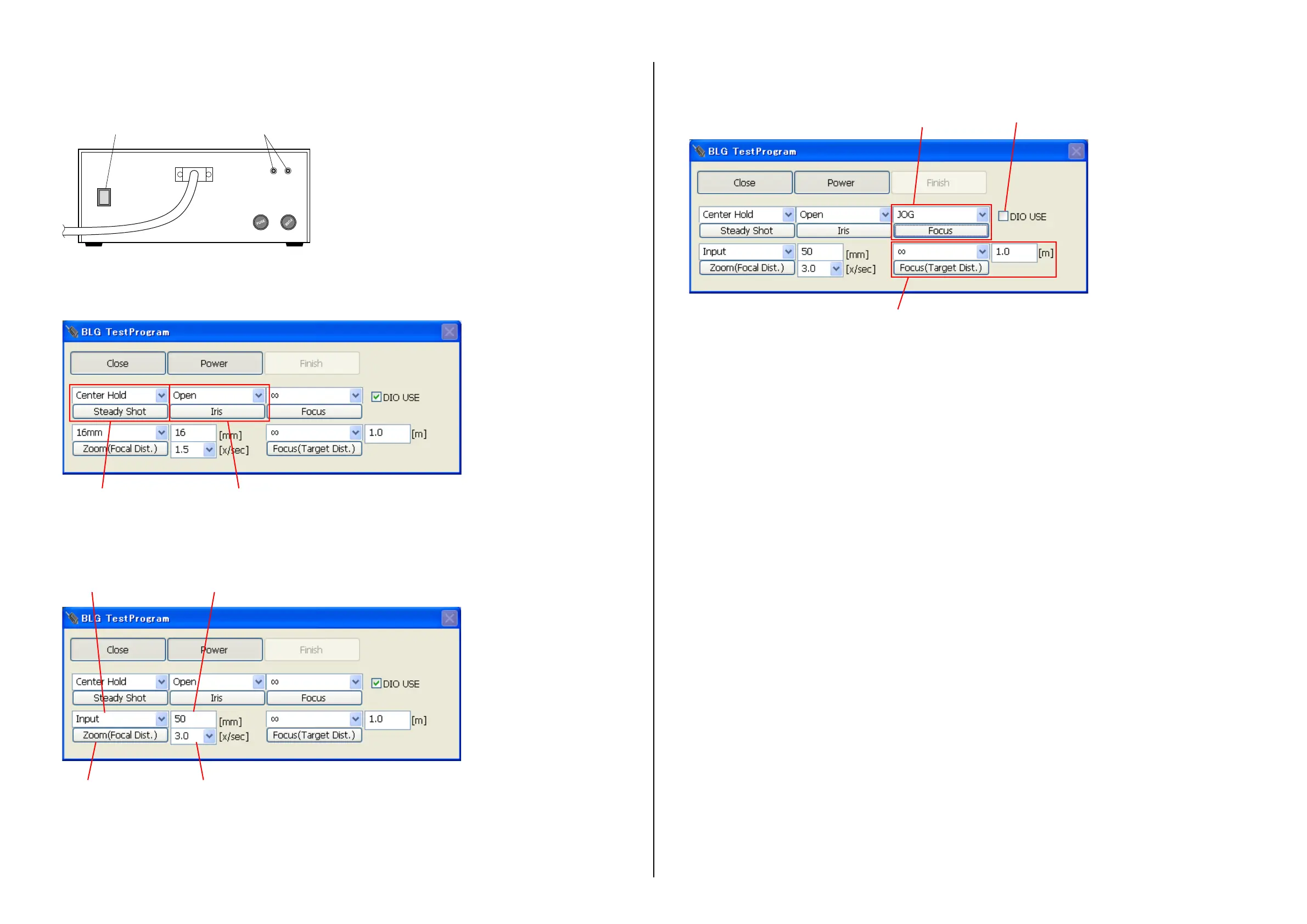
8. Click [Power] to supply power to the lens to be tested.
At this time, confirm that both of the two LEDs on the B-L Control Box light.
(If either or none of them does not light, there is a problem.)
LEDs for power supply check
B-L Control Box
Power switch
Note: Before detaching the lens after power is supplied, be sure to click [Power] again and confirm that the two LEDs go out.
9. Select “Center Hold” from the steady shot selection menu, and click [Steady Shot].
10. Select “Open” from the iris selection menu, and click [Iris].
Steady Shot setting: Center Hold Iris setting: Open
11. To change the zoom position with the zoom lens, set the zoom position to the specified value.
Manual zoom: Set the zoom position manually.
Motorized zoom: Set the focal length and zoom speed from the lens adjustment program, and click [Zoom(Focal Dist.)].
(If a time-out error occurs, increase the zoom speed.)
Execute zoom Select zoom speed
Enter focal length (Select “Input” from the left pull-down menu.)Select focal length
12. Select “∞” from the focus selection menu.
Note: The focus setting buttons vary with model.
This is not used
Check off
Use this part


 To Next Page