42
US
Navigating through
menus
By using the amplifier menus, you can make
various adjustments to customize the receiver.
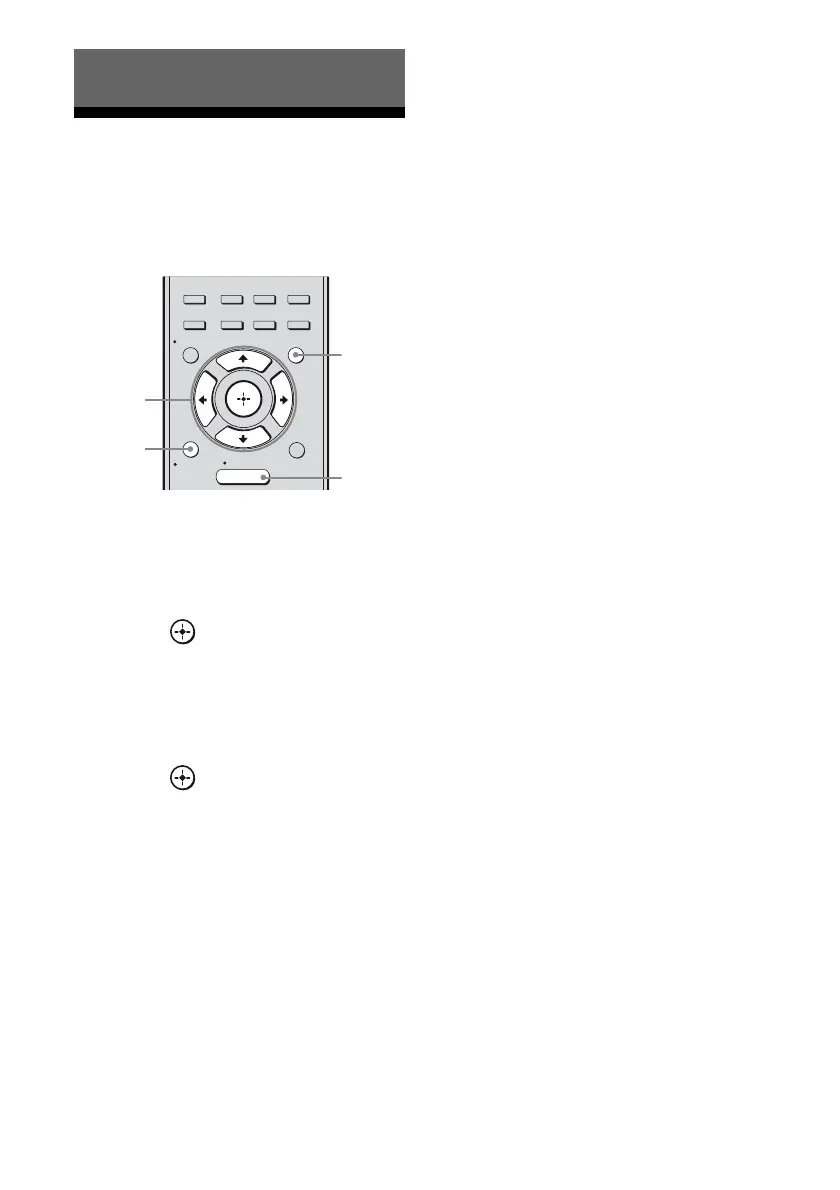
1 Press AMP MENU.
2 Press V/v repeatedly to select
the menu you want.
3 Press or b to enter the
menu.
4 Press V/v repeatedly to select
the parameter you want to
adjust.
5 Press or b to enter the
parameter.
6 Press V/v repeatedly to select
the setting you want.
The setting is entered automatically.
To return to the previous
display
Press B or RETURN/EXIT O.
To exit the menu
Press MENU/HOME or AMP MENU.
Note
Some parameters and settings may appear dimmed
on the display. This means that they are either
unavailable or fixed and unchangeable.
Amplifier Operations
2CH/
A.DIRECT A.F.D. MOVIE MUSIC
AUTO CAL
MENU
RETURN/
EXIT
OPTIONS
TOOLS
HOME
DISPLAY
AMP
MENU
O
INPUT
MODE
SLEEP
NIGHT
MODE
2-6
1
RETURN/
EXIT O
MENU/
HOME



 To Next Page