70
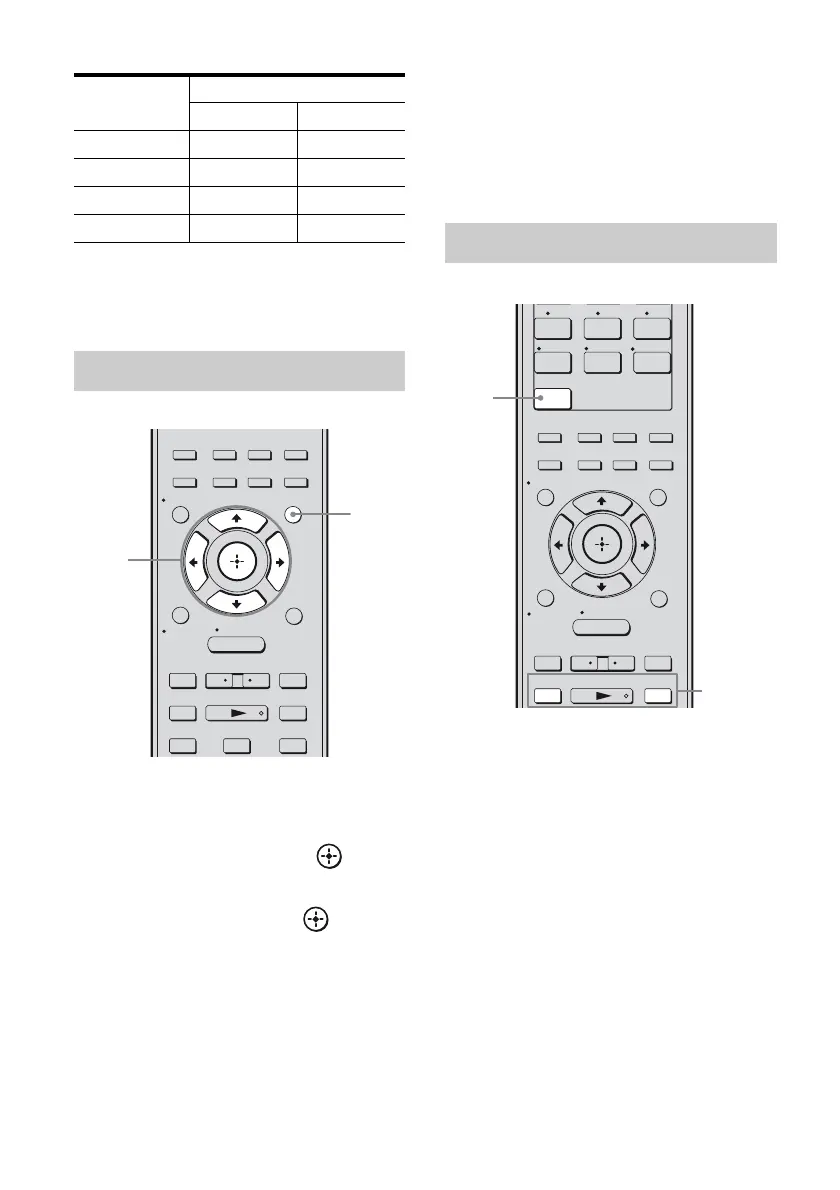
US
Signal strength
When you have finished
Press AMP MENU.
1 Press AMP MENU.
2 Press V/v repeatedly to select
“TUNER”, then press or b.
3 Press V/v repeatedly to select
“XM ID”, then press or b.
4 Check the XM Radio ID on the
display and write it in the space
provided here.
ID:_____________________________
You can also check the XM Radio ID
using the display on the receiver.
1 Press XM.
You can also use INPUT SELECTOR on
the receiver to select “XM RADIO”.
2 Press TUNING + or TUNING – to
select a channel.
You can also press TUNING MODE on
the receiver to select “AUTO”, and then
turn TUNING +/– to select a channel.
Signal
strength
Signal type
Satellite Terrestrial
Good S:3 T:3
Marginal S:2 T:2
Weak S:1 T:1
None S:0 T:0
Checking the XM Radio ID
2CH/
A.DIRECT
A.F.D. MOVIE MUSIC
– CATEGORY +
TUNING – TUNING +
DISC SKIP D.TUNING
CATEGORY MODE
AUTO CAL
.
mM
>
Xx
<
<
MENU
RETURN/
EXIT
OPTIONS
TOOLS
HOME
DISPLAY
AMP
MENU
O
INPUT
MODE
SLEEP
NIGHT
MODE
1
2,3
Receiving XM Radio broadcasts
7 8 9
-/--
0/10
ENT/MEM
2CH/
A.DIRECT
A.F.D. MOVIE MUSIC
CLEAR
/>10
– CATEGORY +
TUNING – TUNING +
CATEGORY MODE
AUTO CAL
.
mM
>
XM
DMPORT
SA-CD/
CD
TUNER
<
<
MENU
RETURN/
EXIT
OPTIONS
TOOLS
HOME
DISPLAY
AMP
MENU
O
INPUT
MODE
SLEEP
NIGHT
MODE
1
2



 To Next Page