80
GB
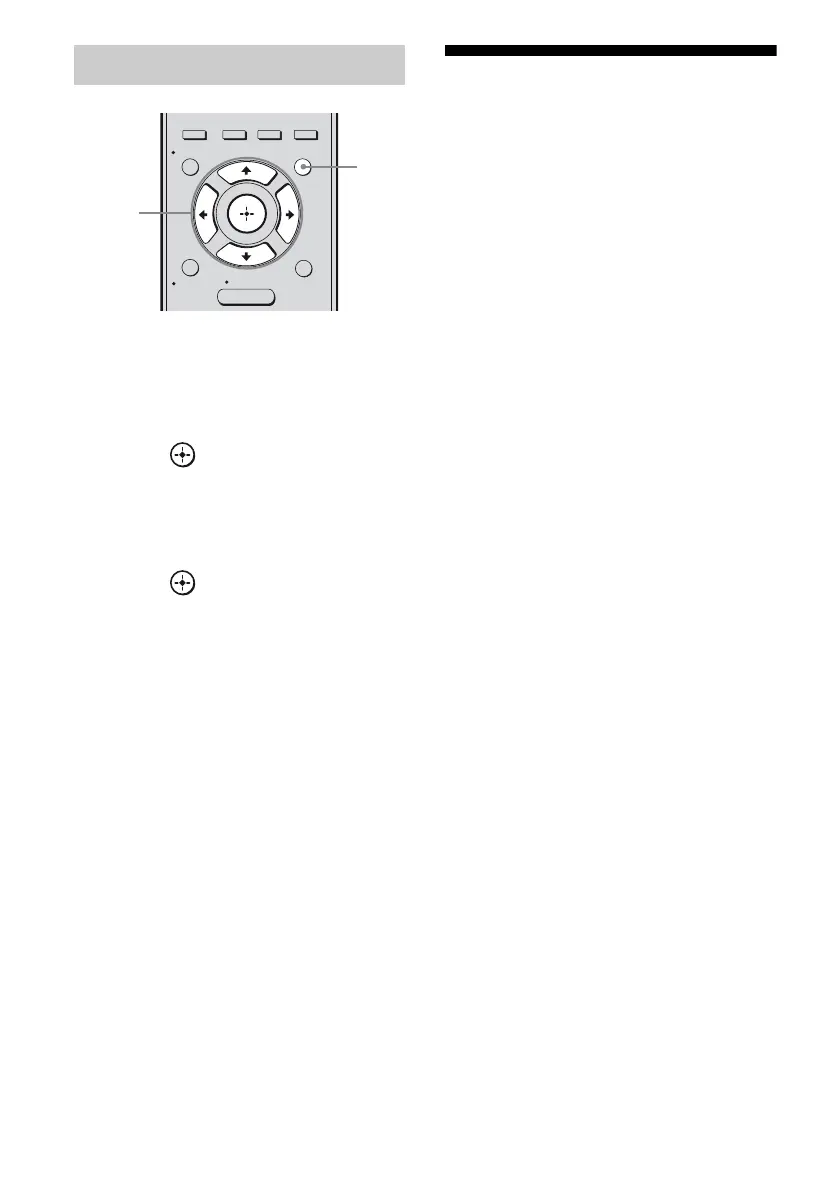
1 Press AMP MENU.
2 Press V/v repeatedly to select
“HDMI”.
3 Press or b to enter the
menu.
4 Press V/v repeatedly to select
“CTRL:HDMI”.
5 Press or b to enter the
parameter.
6 Press V/v repeatedly to select
“CTRL ON”.
Control for HDMI function is activated.
Watching a DVD
(One-Touch Play)
You can enjoy sound and image from the
components connected to the receiver via
HDMI connections by a simple operation.
Play back a connected component.
The receiver and the TV are turned on
automatically and switched to the appropriate
HDMI input.
Watching a DVD by simple
operation
You can also select a connected component,
such as a DVD/Blu-ray disc player using the
TV menu. In this case, the receiver and the TV
switch to the appropriate HDMI input.
Note
Depending on the TV, the start of the content may
not be output.
To set Control for HDMI
AUTO CAL
MENU
RETURN/
EXIT
OPTIONS
TOOLS
HOME
DISPLAY
AMP
MENU
O
INPUT
MODE
SLEEP
NIGHT
MODE
1
2-6



 To Next Page