54
GB
To turn off the surround effect
for movie/music
Press SOUND FIELD +/– repeatedly to select
“2CH ST.” or “A.F.D. AUTO”.
You can also press 2CH/A.DIRECT
repeatedly on the receiver to select “2CH ST.”
or press A.F.D. repeatedly on the receiver to
select “A.F.D. AUTO”.
Digital audio formats that this receiver can decode depend on digital audio input jacks for the
connected component. This receiver supports the following audio formats.
a)
Audio signals are output in another format if the playback component does not correspond to the format. For
details, refer to the operating instructions of the playback component.
b)
Signals with a sampling frequency of more than 96 kHz are played back at 96 kHz or 88.2 kHz.
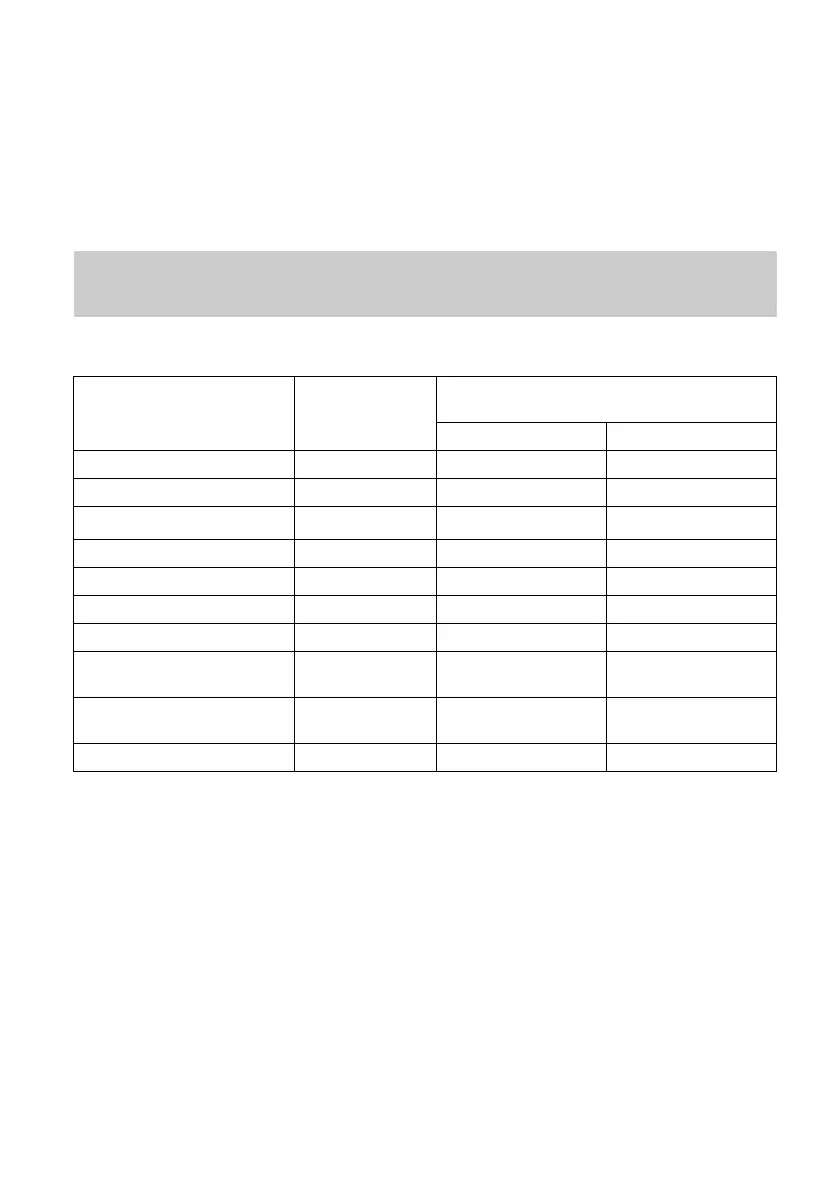
When connecting Blu-ray disc players and other next generation HD
players
Audio format
Maximum number
of channels
Connection of the playback component and
the receiver
COAXIAL/OPTICAL HDMI
Dolby Digital 5.1 aa
Dolby Digital EX 6.1 aa
Dolby Digital Plus
a)
7.1
× a
Dolby TrueHD
a)
7.1 × a
DTS 5.1 aa
DTS-ES 6.1 aa
DTS 96/24 5.1 aa
DTS-HD
High Resolution Audio
a)
7.1
× a
DTS-HD
Master Audio
a)b)
7.1
× a
Multi channel Linear PCM
a)
7.1 × a















 To Next Page