68
GB
Enjoying the S-AIR
receiver while the S-AIR
main unit is in standby
mode
(For the S-AIR receiver only (not
supplied))
You can enjoy the S-AIR receiver while the
S-AIR main unit is in standby mode by setting
“S-AIR STBY” to “STBY ON”.
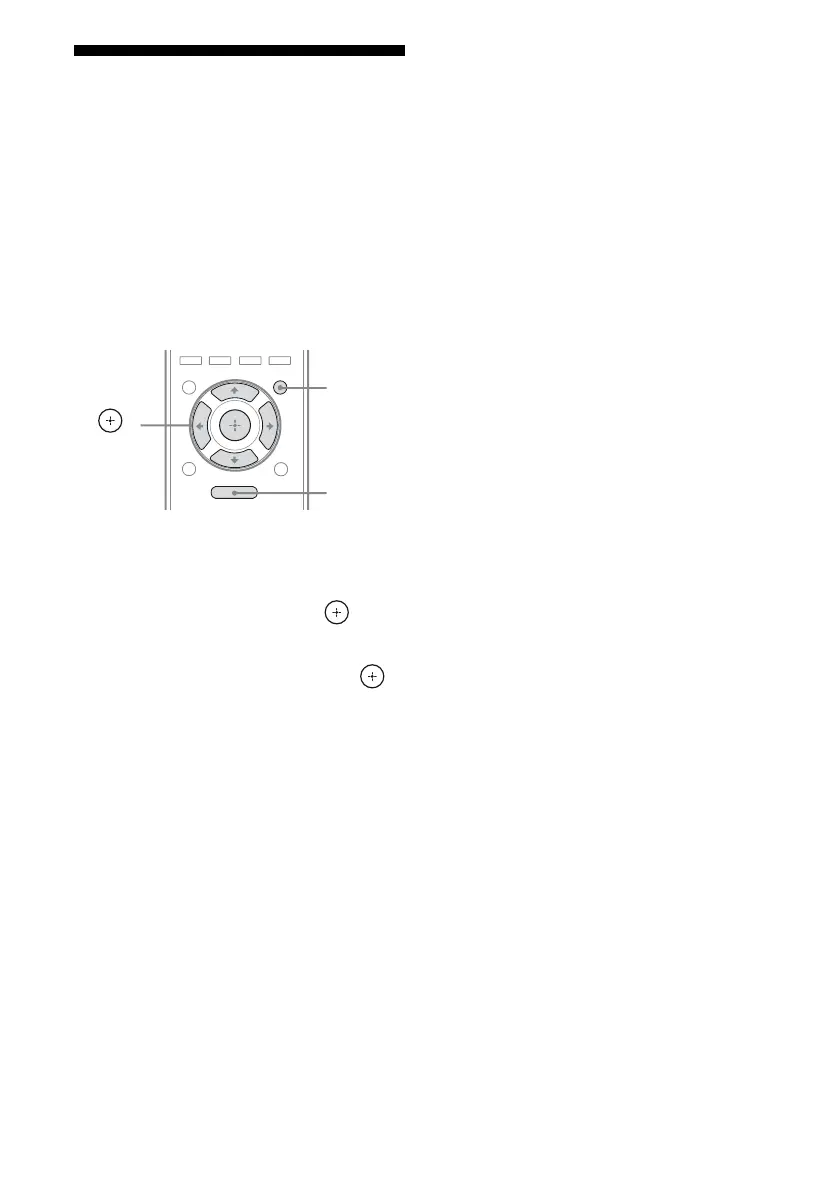
1 Press AMP MENU.
2 Press V/v repeatedly to select
“<S-AIR>”, then press or b.
3 Press V/v repeatedly to select
“S-AIR STBY”, then press
or b.
4 Press V/v repeatedly to select
the setting you want.
• STBY OFF: You cannot enjoy the
S-AIR receiver while the S-AIR main
unit is in standby mode.
• STBY ON: You can enjoy the S-AIR
receiver while the S-AIR main unit is in
standby mode or turned on.
To exit the menu
Press MENU/HOME or AMP MENU.
Notes
• When you set “S-AIR STBY” to “STBY ON”, the
power consumption increases during the standby
mode.
• When the wireless transmitter is removed from the
S-AIR main unit, “S-AIR STBY” is set to “STBY
OFF” automatically.
• If you have selected “FM TUNER” or “AM
TUNER” on the S-AIR main unit before you turn
it off and “S-AIR STBY” is set to “STBY ON”,
you can only select the same band for the tuner on
the S-AIR receiver. However, you can select input
other than TUNER on the S-AIR receiver.
• The sound of the S-AIR receiver may be cut off by
operation of the S-AIR main unit.
• When the receiver is in standby mode, “S-AIR”
indicator lights up on the display if “S-AIR STBY”
is set to “STBY ON”.
MENU
O
AMP
MENU
,
V/v/B/b
MENU/
HOME















 To Next Page