55
GB
Enjoying Surround Sound
Enjoying the surround
effect at low volume
levels
(NIGHT MODE)
This function allows you to retain a theater like
environment at low volume levels. This
function can be used with other sound fields.
When watching a movie late at night, you will
be able to hear the dialog clearly even at a low
volume level.
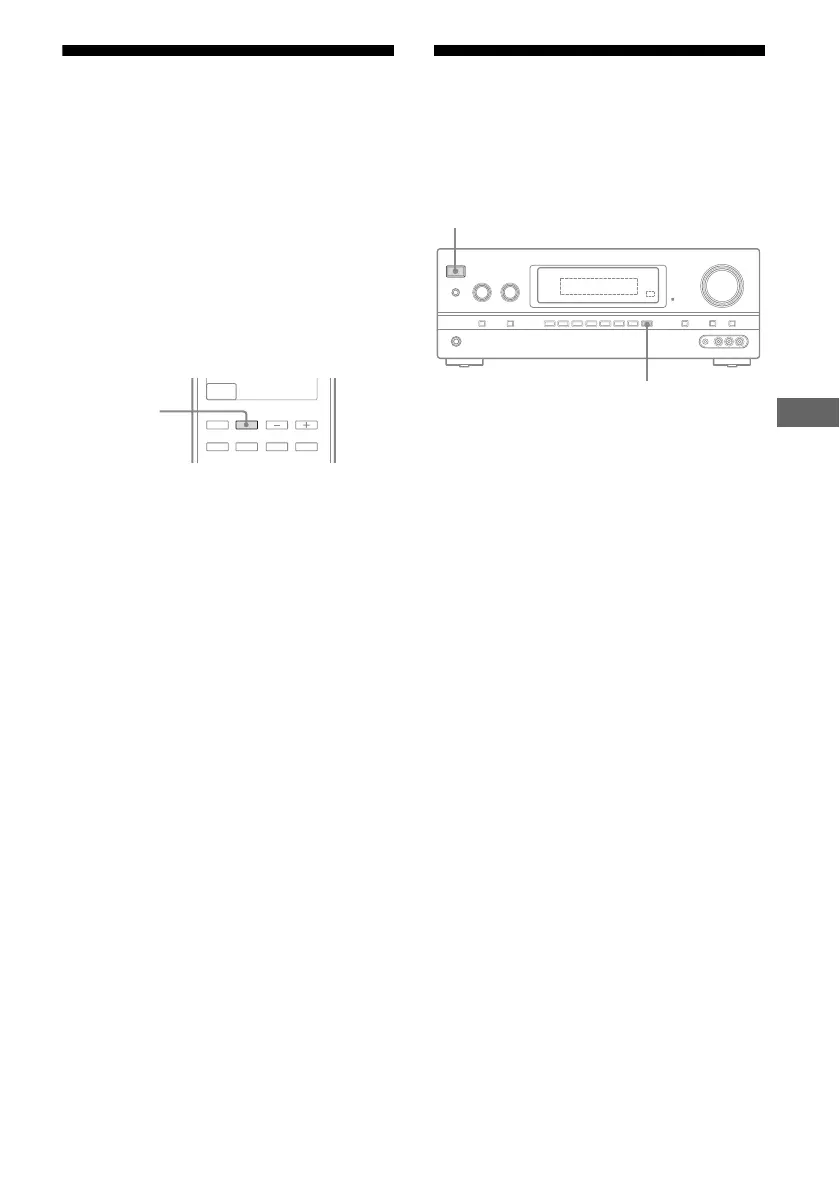
Press NIGHT MODE to select
“NIGHT ON”.
The NIGHT MODE function is activated.
Note
This function does not work in the following cases.
– Signals with a sampling frequency of more than
48 kHz are being received.
– Analog Direct is selected.
Tips
• While the NIGHT MODE is turned on,
“D. RANGE” is automatically set to
“COMP. MAX”.
• You can also set “NIGHT MODE” to “NIGHT
ON” in AUDIO menu (page 75).
Resetting sound fields to
the initial settings
Be sure to use the buttons on the receiver for
this operation.
1 Press ?/1 to turn off the
receiver.
2 While holding down MUSIC,
press ?/1.
“S.F. CLEAR” appears on the display and
all sound fields are reset to their initial
setting.
HDMI 4
NIGHT
MODE
?/1
?/1
MUSIC















 To Next Page