37
US
D:\NORM'S JOB\SONY HA\SO120021\STR-DN1030_PMRF
03\4420297131_US\US04GET_STR-DN1030-CEL.fm
masterpage: Right
STR-DN1030
4-420-297-13(1)
Preparing the Receiver
Setting the voltage
selector
If your receiver has a voltage selector on the
rear panel, check that the voltage selector is set
to the local power supply voltage. If not, use a
screwdriver to set the selector to the correct
position before connecting the AC power cord
(mains lead) to a wall outlet.
Depending on the area, the VOLTAGE
SELECTOR may differ.
Connecting the AC power
cord (mains lead)
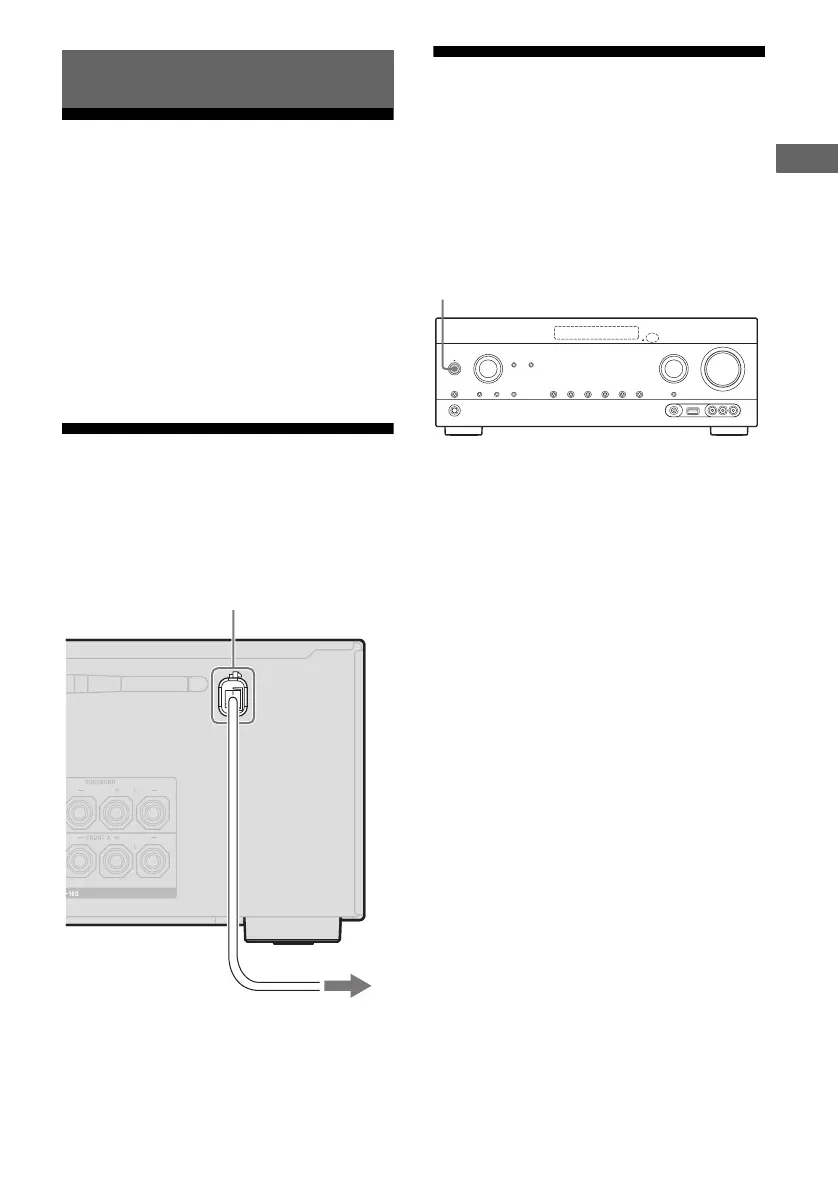
Connect the AC power cord (mains lead) to a
wall outlet.
Initializing the receiver
Before using the receiver for the first time,
initialize the receiver by performing the
following procedure. This procedure can also
be used to revert back to the factory default
settings.
Be sure to use the buttons on the receiver to
perform this operation.
1 Press ?/1 to turn off the
receiver.
2 Hold down ?/1 for 5 seconds.
The “CLEARING” appears on the
display panel for a while, then changes to
“CLEARED !”.
Changes or adjustments made to the
settings are now reset to the defaults.
Preparing the Receiver
AC power cord (mains lead)
To the wall outlet
?/1



 To Next Page