60
US
D:\NORM'S JOB\SONY HA\SO120021\STR-DN1030_PMRF
03\4420297131_US\US04GET_STR-DN1030-CEL.fm
masterpage: Left
STR-DN1030
4-420-297-13(1)
Presetting FM/AM radio
stations
(Preset Tuning)
You can store up to 30 FM and 30 AM stations
as your favorite stations.
1 Tune to the station that you
want to preset using Auto
Tuning (page 59) or Direct
Tuning (page 59).
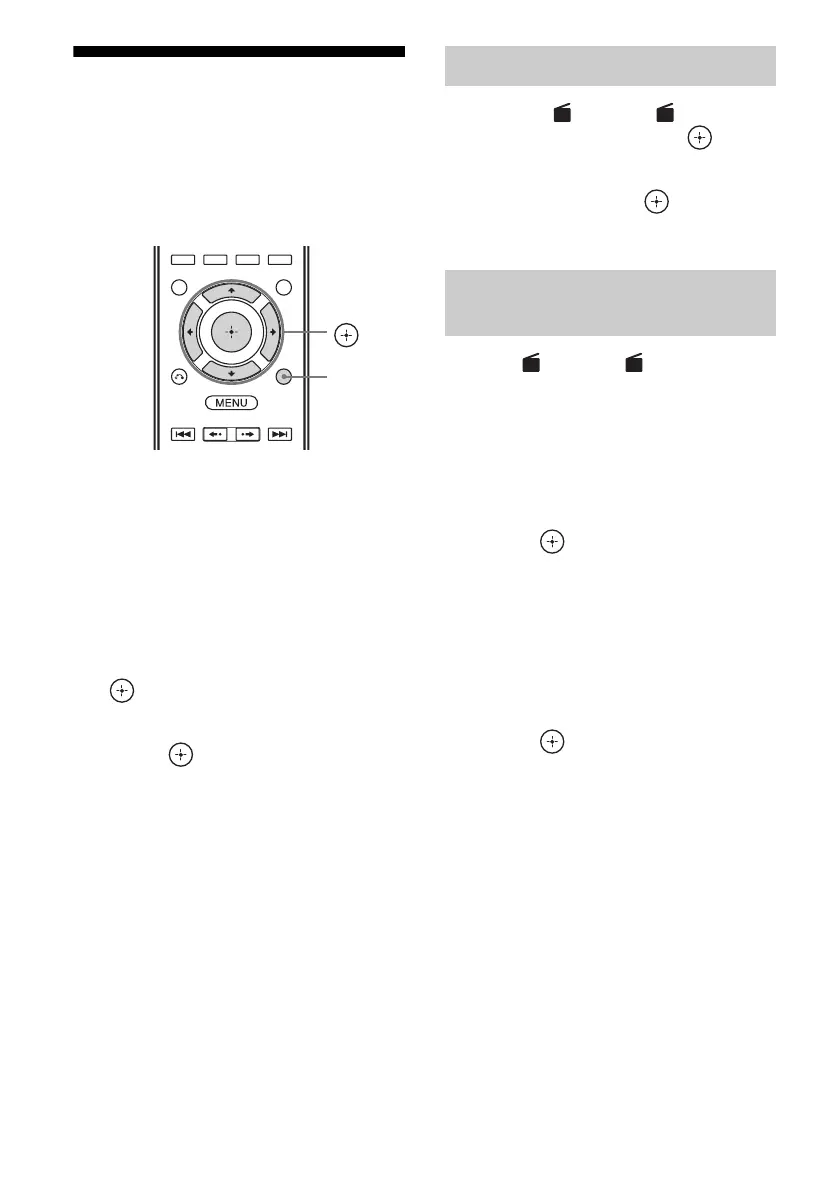
2 Press TOOLS/OPTIONS.
The option menu appears.
3 Select “Memory”, then press
or b.
4 Select a preset number, then
press .
The station is stored as the selected preset
number.
5 Repeat steps 1 to 4 to store
another station.
You can store station as follows:
• AM band: AM 1 to AM 30
• FM band: FM 1 to FM 30
1 Select “ FM” or “ AM” from
the menu, then press or b.
2 Select the preset station you
want, then press .
Preset numbers from 1 to 30 are available.
1 On “ FM” or “ AM” screen,
select the preset number which
you want to name.
2 Press TOOLS/OPTIONS.
The option menu appears.
3 Select “Name Input”, then
press or b.
4 Press V/v repeatedly to select a
character, then press b.
You can move the input position
backward and forward by pressing B/b.
5 Repeat step 4 to input a
character one by one, then
press .
The name you entered is registered.
Note
Some letters that can be displayed on the TV screen
cannot be displayed on the display panel.
V/v/B/b,
TOOLS/
OPTIONS
Tuning to preset stations
Naming preset stations (Name
Input)
FM AM
FM AM



 To Next Page