46
US
• The receiver is unable to read data in NTFS
format.
• The receiver is unable to read data other than
that saved in the first partition of a hard disk
drive.
• Operation of models not listed here is not
guaranteed.
• Operation may not always be ensured even
when using these USB devices.
• Some of these USB devices may not be
available for purchase in certain areas.
• When formatting the above models, be sure to
format using the model itself or the dedicated
formatting software for that model.
• When connecting a USB device to the receiver,
be sure to connect after the display “Creating
Library” or “Creating Database” on the USB
device has disappeared.
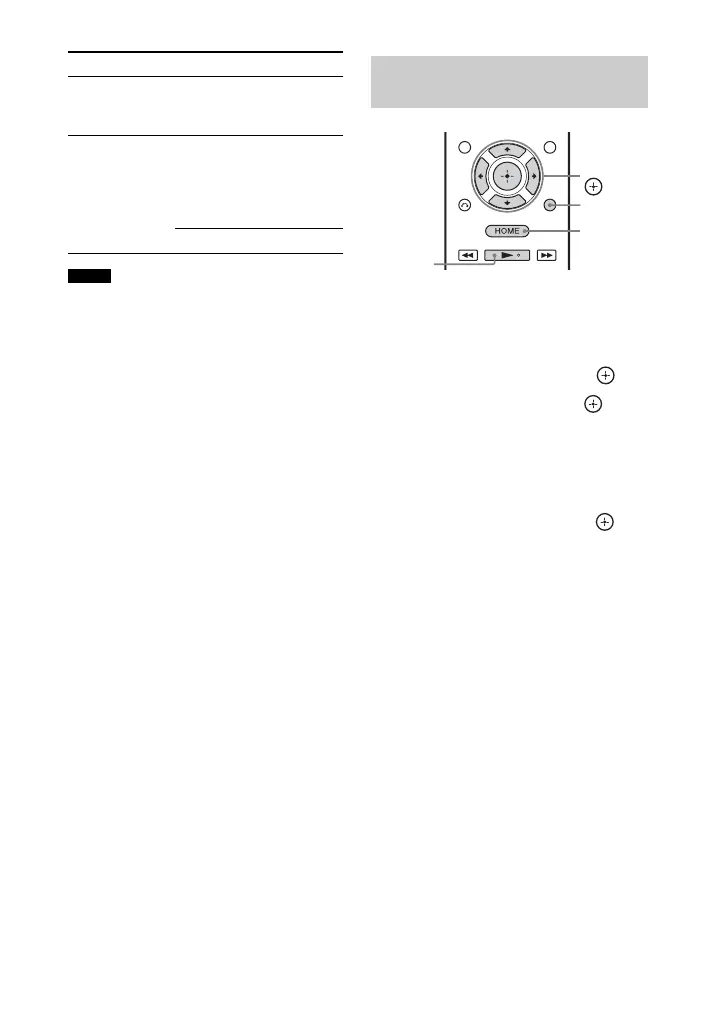
1 Press HOME.
The home menu is displayed on the TV
screen.
2 Select “Listen”, then press .
3 Select “USB”, then press .
When the USB device is connected,
“USB” appears on the TV screen.
You can operate the USB device using
the remote control of the receiver.
4 Select the content you want from
the content list, then press .
The selected content starts playback
and the information of music/video
contents appears on the TV screen.
USM4GS / 8GJ / 8GT /
16GS / 16GU / 64GP /
512J
Digital Voice
Recorder
ICD-SX713 / SX1000 /
PX232 / PX333F / FX8 /
TX50 / UX513F /
UX523F / UX532 /
UX533F
ICZ-R50 / R51
Notes
Product name Model name
Operating the USB
device
HOME
OPTIONS
N
V/v/B/b,



 To Next Page