7
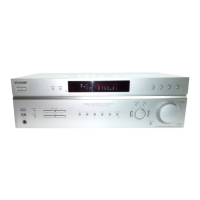
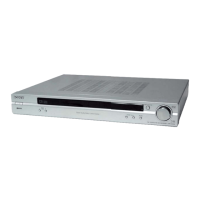
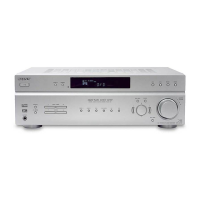
STR-K740P/K840P
AUTO BETICAL MODE
* This mode is installed in the Europe models only. When this mode
is used, the receiver scans the broadcasts that can be received by
the tuner, and sets up the broadcasts. Be sure to start scanning
after connecting the antenna.
* Procedure:
1. Check that the antenna is connected.
2. Press the ?/1 button to turn on the power while pressing the
MEMORY button.
3. The message “AUTO-BETICAL SELECT” appears and the
receiver starts scanning.


 To Next Page