4
STR-K885
SECTION 1
GENERAL
This section is extracted
from instruction manual.
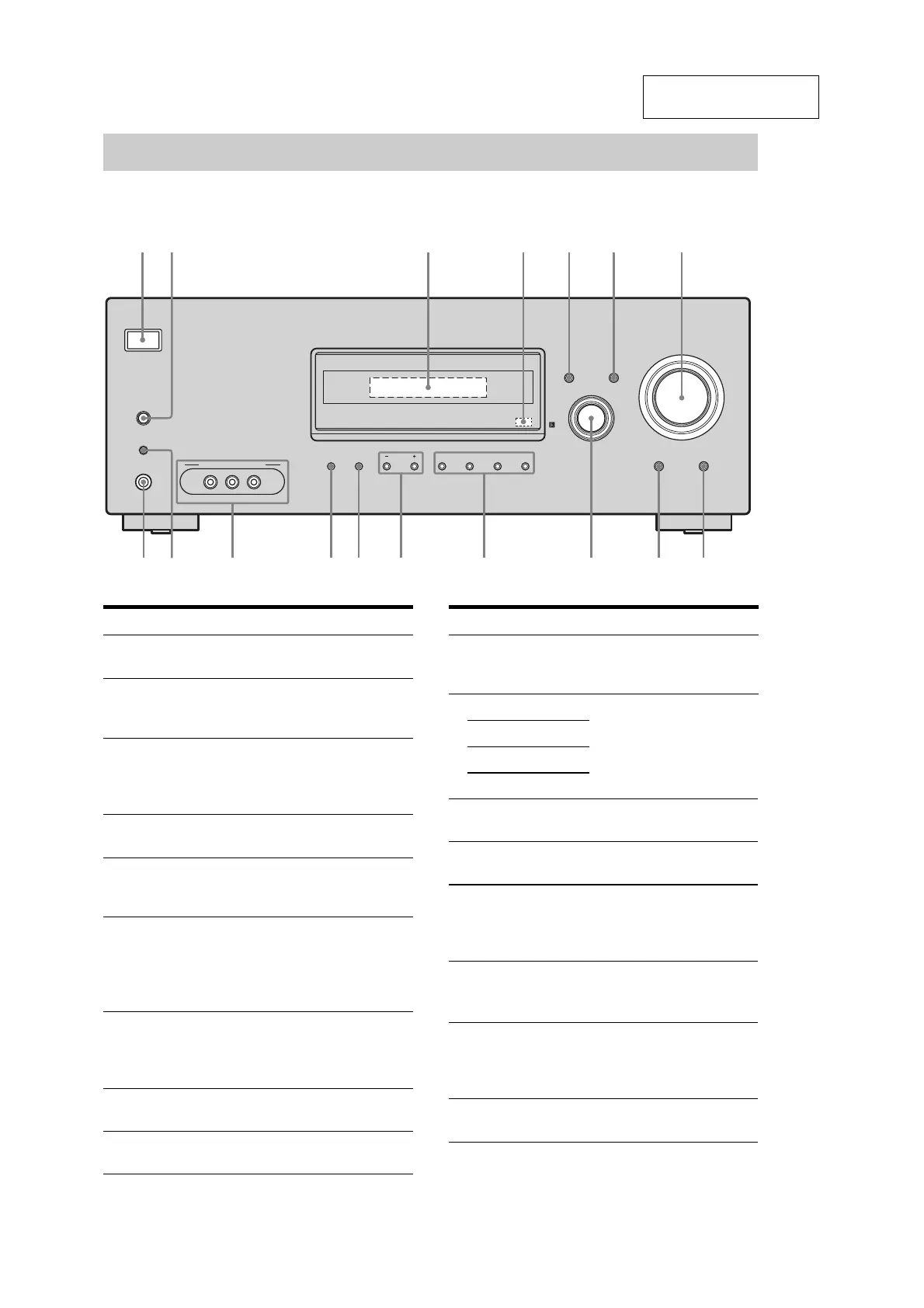
Front panel
.
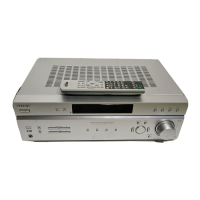
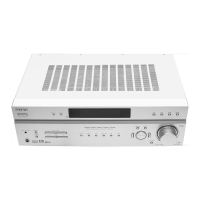
Receiver
?/1
AUTO CAL MIC
AUTO CAL
PHONES
VIDEO 3 IN/PORTABLE AV IN
VIDEO L AUDIO R
MEMORY/
ENTER
TUNING
MODE
TUNING 2CH A.F.D. MOVIE MUSIC
DIMMER MUTING
DISPLAY INPUT MODE
INPUT SELECTOR
MASTER VOLUME
3
4
8
9
12 5 6 7
q;qaqj qsqgqh
qdqf
Name Function
A ?/1
(on/standby)
Press to turn the receiver on
or off (page 28, 36, 37, 54).
B AUTO CAL Press to activate the Auto
Calibration function (page
30).
C Display The current status of the
selected component or a list
of selectable items appears
here (page 6).
D Remote sensor Receives signals from
remote commander.
E DISPLAY Press to select information
displayed on the display
(page 62).
Name Function
F INPUT MODE Press to select the input
mode when the same
components are connected
to both digital and analog
jacks (page 59).
G MASTER
VOLUME
Turn to adjust the volume
level of all speakers at the
same time (page 33, 34, 36,
37).
H MUTING Press to mute the sound
(page 34).
I DIMMER Press to adjust the
brightness of the display.
J INPUT
SELECTOR
Turn to select the input
source to playback (page
34).
K 2CH Press to select a sound field
(page 49, 51, 54).
A.F.D.
MOVIE
MUSIC
L TUNING +/– Press to scan a station (page
55, 58).
M TUNING MODE Press to select the tuning
mode (page 55, 58).
N MEMORY/
ENTER
Press to store a station or
enter the selection when
selecting the settings (page
28, 57).
O VIDEO 3 IN/
PORTABLE AV
IN jacks
Connects to a camcorder or
video game (page 25, 34).
P AUTO CAL MIC
jack
Connects to the supplied
optimizer microphone for
the Auto Calibration
function (page 29).
Q PHONES jack Connects to headphones
(page 69).


 To Next Page