KD-27FS170/32FS170/36FS170
KD-27FS170/32FS170/36FS170
37
Service Adjustment Mode Memory
Use the following procedure when adjusting IDs 0-7 and when replacing
and adjusting IC002.
1. Access Service Adjustment Mode.
2. Press
8
then
ENTER
on the Remote Commander to initialize.
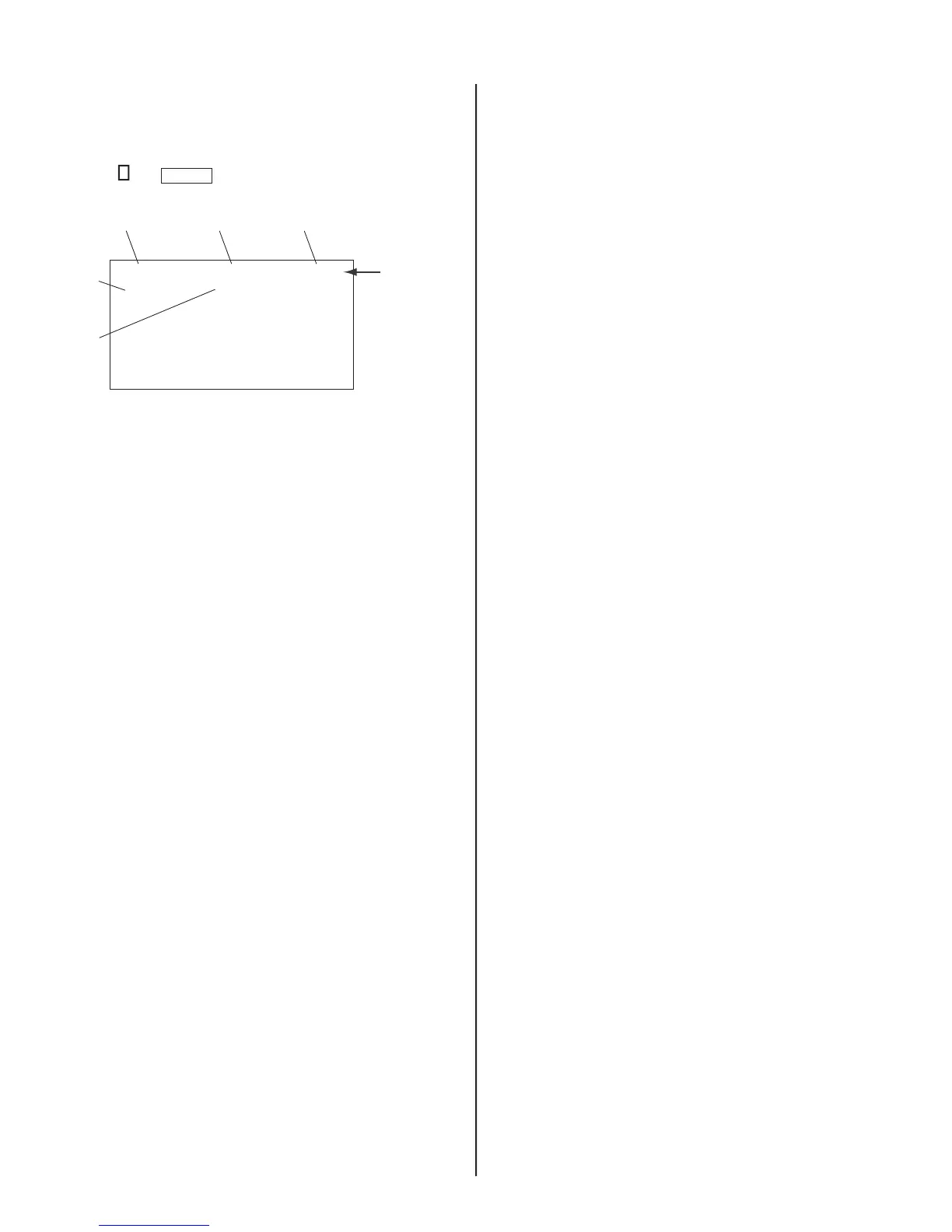
Category
Display
Item
Display
Data
Signal
Type
Channel
Type
NTSC RESETDEF
M65586MK-056FP D1.0
HSIZ 1:35 NVM:OK
Text
changes to
“RESET”
and changes
colors from
green to red
The TV powers off after completing the initialization process.
4-3. CONFIRMING SERVICE ADJUSTMENT
CHANGES
1. After completing adjustments, pull out the plug from the AC outlet,
then replace the plug in the AC outlet again.
2. Access Service Adjustment Mode.
3. Using the buttons on the Remote Commander, locate the adjusted
items again to confi rm they were adjusted.






 To Next Page