EasyManua.ls Logo

Sony Trinitron KV-20FV10 - Video Menu Adjustments; Picture Settings

Sony Trinitron KV-20FV10
41 pages
Print Icon
To Next Page IconTo Next Page
To Previous Page IconTo Previous Page
Loading...
Using
the
Menus
This
chapter
shows
the
options
available
for
setting
up
and
adjusting
your
TV.
To
access a
menu
11-,
MENU
Press
o
.
2 Use
the 0
or
0
buttons to
highlight
an
option.
3 Press
ce> to access
the
menu.
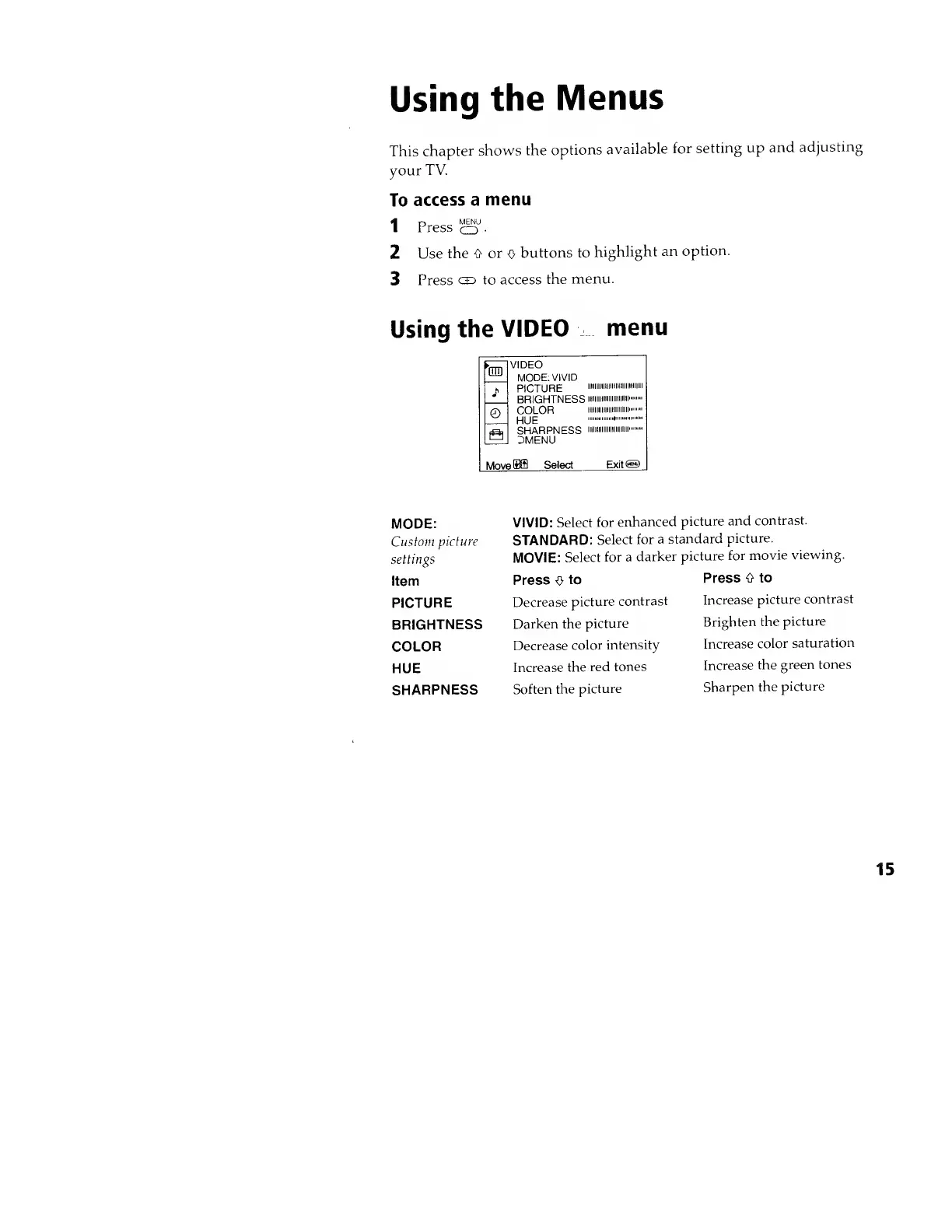
Using
the
VIDEO
menu
1m
VIDEO
MODE:
VIVID
PICTURE
iiiiiiiiiiiiiiiiiiiiiiininiiii
BRIGHTNESS
iimiiii
i
COLOR
iiiiiiiiiiiiiiiiiiniiii
HUE
SHARPNESS
i»« i"
1
3MENU
J
1
©
a
MoveSffl
Select
Exit®
MODE:
Custom
picture
settings
Item
PICTURE
BRIGHTNESS
COLOR
HUE
SHARPNESS
VIVID:
Select
for
enhanced
picture and
contrast.
STANDARD:
Select
for
a
standard
picture.
MOVIE:
Select
for a
darker
picture
for
movie
viewing.
Press
o
to
Decrease
picture
contrast
Darken the
picture
Decrease
color
intensity
Increase
the
red
tones
Soften
the
picture
Press 0 to
Increase
picture
contrast
Brighten the
picture
Increase
color
saturation
Increase
the
green
tones
Sharpen
the
picture
15
Sony Trinitron KV-20FV10 - Video Menu Adjustments; Picture Settings