EasyManua.ls Logo

Sony Trinitron KV-20FV10 - Troubleshooting

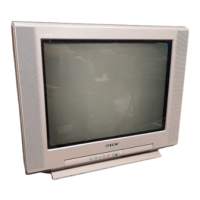
Sony Trinitron KV-20FV10
41 pages
Print Icon
To Next Page IconTo Next Page
To Previous Page IconTo Previous Page
Loading...
User
Guide
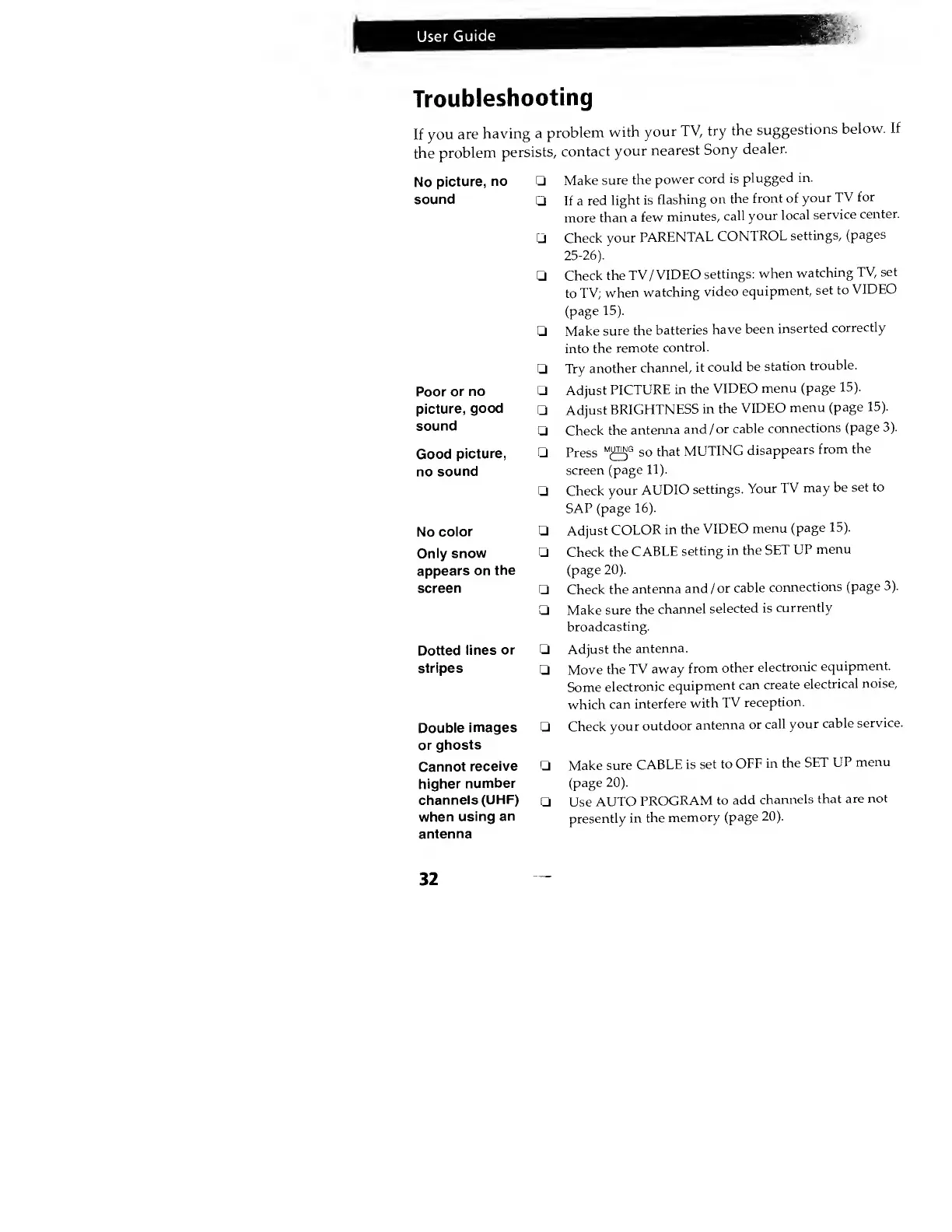
Troubleshooting
If
you
are
having
a
problem
with
your
TV, try
the
suggestions
below.
If
the
problem
persists,
contact
your
nearest
Sony
dealer.
No
picture,
no
sound
Poor
or no
picture,
good
sound
Good
picture,
no
sound
No
color
Only
snow
appears on
the
screen
Dotted
lines
or
stripes
Double
images
or
ghosts
Cannot
receive
higher
number
channels
(UHF)
when
using
an
antenna
Make
sure the
power
cord
is
plugged in.
If a
red
light is
flashing
on
the
front of
your
TV
for
more
than
a few
minutes,
call
your
local
service
center.
Check
your
PARENTAL
CONTROL
settings,
(pages
25-26).
Check
the
TV
/
VIDEO
settings:
when
watching
TV,
set
to
TV;
when
watching
video
equipment,
set to
VIDEO
(page
15).
Make
sure the
batteries
have
been
inserted
correctly
into
the
remote
control.
Try
another
channel,
it
could
be
station
trouble.
Adjust
PICTURE
in
the
VIDEO
menu
(page 15).
Adjust
BRIGHTNESS
in
the
VIDEO
menu
(page 15).
Check
the
antenna
and
/
or
cable
connections
(page
3).
Press
M
^f
so
that
MUTING
disappears
from
the
screen
(page
11).
Check
your
AUDIO
settings.
Your
TV
may
be
set to
SAP
(page
16).
Adjust
COLOR
in
the
VIDEO
menu
(page
15).
Check the
CABLE
setting
in
the
SET
UP
menu
(page
20).
Check the
antenna
and
/
or
cable
connections
(page
3).
Make sure
the
channel
selected
is
currently
broadcasting.
Adjust
the
antenna.
Move
the
TV
away
from
other
electronic
equipment.
Some
electronic
equipment
can
create
electrical
noise,
which can
interfere
with
TV
reception.
Check
your
outdoor
antenna
or
call
your
cable
service.
Make
sure
CABLE
is
set to
OFF
in
the
SET
UP
menu
(page
20).
Use
AUTO
PROGRAM
to
add
channels
that
are
not
presently
in
the
memory
(page
20).
32