EasyManua.ls Logo

Sony Trinitron KV-20FV10 - Page 35

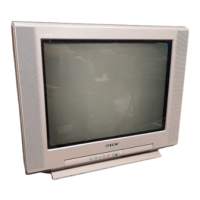
Sony Trinitron KV-20FV10
41 pages
Print Icon
To Next Page IconTo Next Page
To Previous Page IconTo Previous Page
Loading...
Other
Information
£d
in
some
rare
cases, you
may
not
be
able
to
operate
your
equipment
with
the
supplied
remote
control.
In
this
case,
use
the
equipment's
supplied
remote
control.
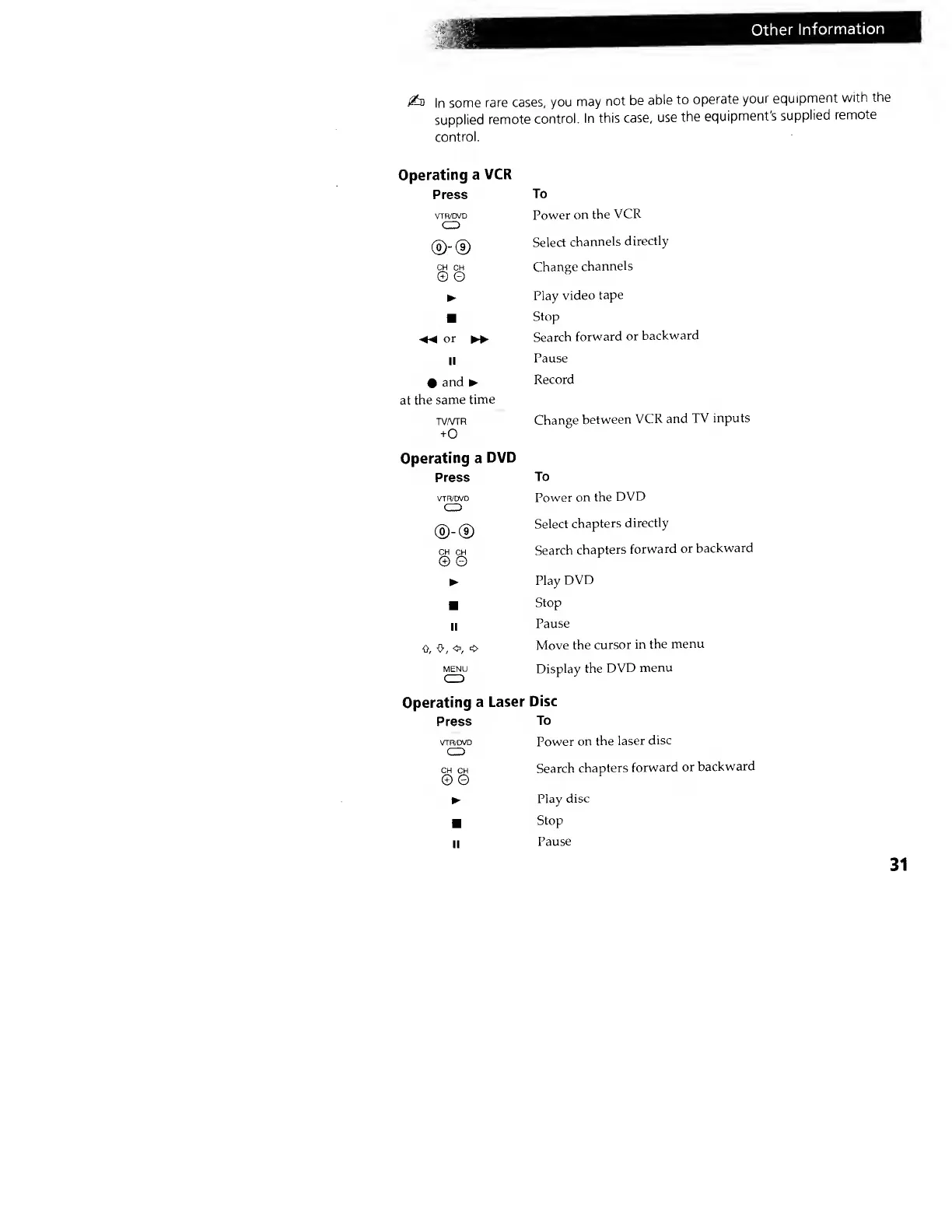
Operating
a
VCR
Press
VTR/DVD
CD
®-®
CH CH
© G
or
>
II
•
and
at
the
same
time
TV/VTR
+0
Operating a
DVD
Press
VTR/DVD
CD
®-©
CH
CH
© ©
II
0, 0,
o,
o
MENU
Operating
a
Laser
Press
VTR/DVD
CD
CH
CH
© 0
To
Power
on
the
VCR
Select
channels
directly
Change
channels
Play
video
tape
Stop
Search
forward
or
backward
Pause
Record
Change
between
VCR and
TV
inputs
To
Power
on the
DVD
Select
chapters
directly
Search
chapters
forward
or
backward
Play
DVD
Stop
Pause
Move
the
cursor
in
the
menu
Display the
DVD
menu
Disc
To
Power
on
the
laser
disc
Search
chapters
forward
or
backward
Play
disc
Stop
Pause
31
Sony Trinitron KV-20FV10 - Page 35