EasyManua.ls Logo

Sony Trinitron KV-20FV10 - Audio Menu Adjustments; Sound Settings

Sony Trinitron KV-20FV10
41 pages
Print Icon
To Next Page IconTo Next Page
To Previous Page IconTo Previous Page
Loading...
Using
the
AUDIO
-T menu
ran
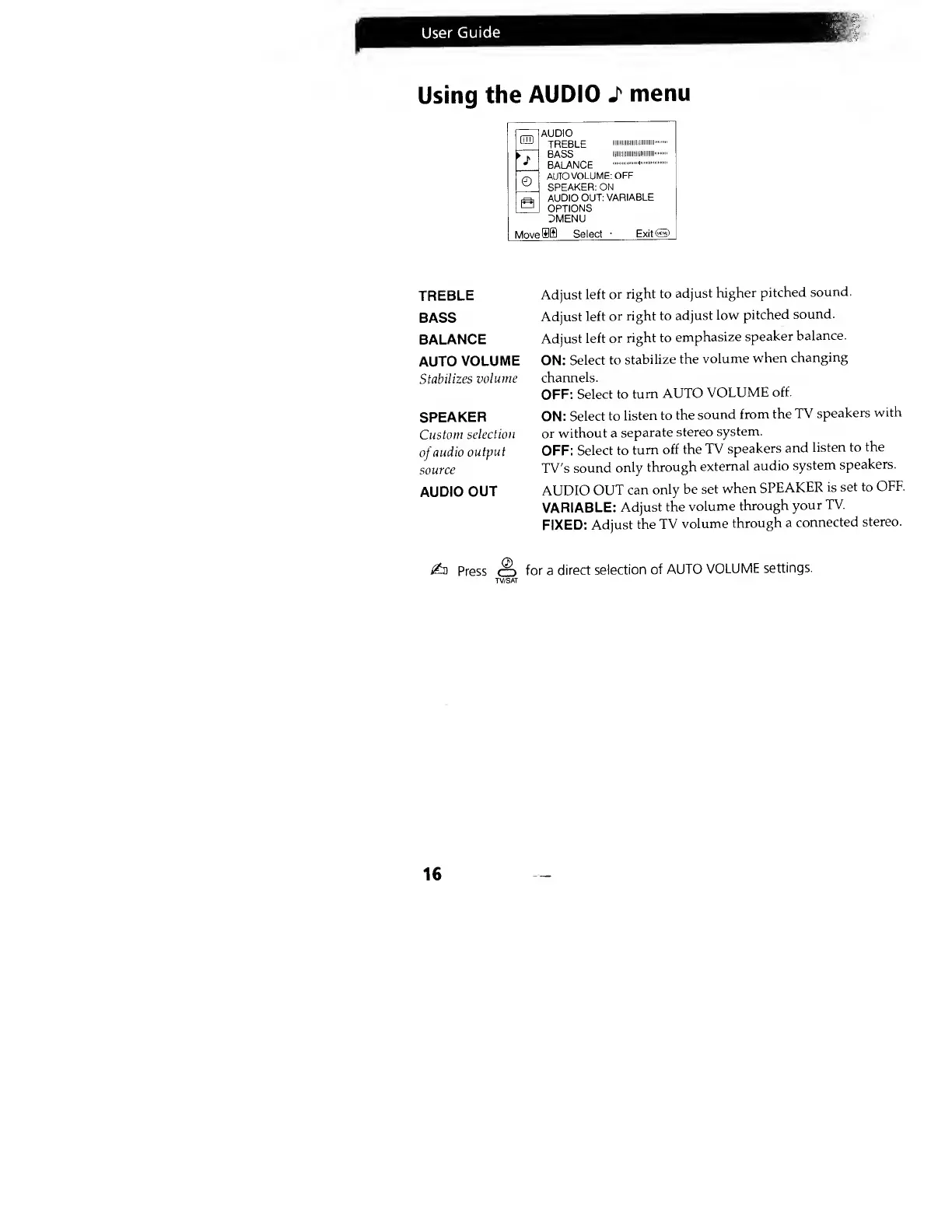
AUDIO
TREBLE
1111111
111
BASS
iiiiiiiiiniiiiiiiiiii
BALANCE
©
a
AUTO
VOLUME:
OFF
SPEAKER:
ON
AUDIO
OUT:
VARIABLE
OPTIONS
Z5MENU
Move
OS) Select
•
Exit®
TREBLE
BASS
BALANCE
AUTO
VOLUME
Stabilizes
volume
SPEAKER
Custom
selection
of
audio
output
source
AUDIO
OUT
Adjust
left
or
right to
adjust
higher
pitched
sound.
Adjust
left
or right
to
adjust
low
pitched
sound.
Adjust
left or
right to
emphasize
speaker
balance.
ON:
Select
to
stabilize
the
volume
when
changing
channels.
OFF:
Select to
turn
AUTO
VOLUME
off.
ON:
Select
to
listen to
the
sound
from the
TV
speakers
with
or
without a
separate
stereo
system.
OFF:
Select to
turn
off the
TV
speakers
and
listen to
the
TV's
sound
only
through
external
audio
system
speakers.
AUDIO
OUT
can
only be
set
when
SPEAKER
is
set to
OFF.
VARIABLE:
Adjust the
volume
through
your
TV.
FIXED:
Adjust
the
TV
volume
through
a
connected
stereo.
£d
Press
o
for a
direct
selection
of
AUTO
VOLUME
settings.
16