EasyManua.ls Logo

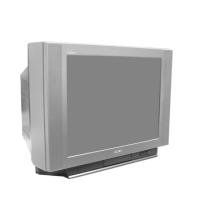
Sony TRINITRON KV-2565MT - Adjusting Picture and Sound; Selecting Picture Mode; Picture and Sound Quality Adjustments; Setting TV System

Sony TRINITRON KV-2565MT
21 pages
Print Icon
To Next Page IconTo Next Page
To Previous Page IconTo Previous Page
Loading...
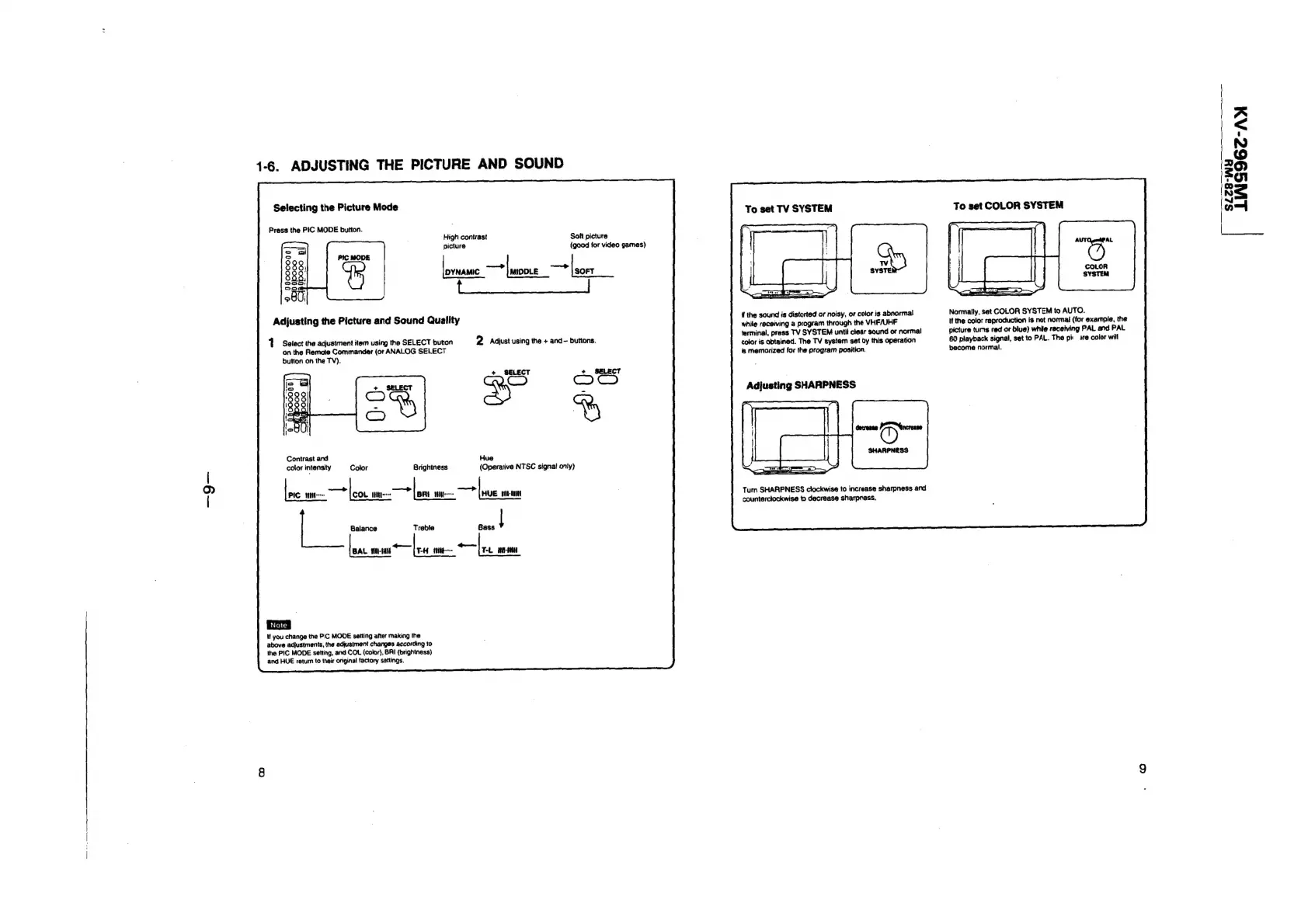
1-6.
ADJUSTING
THE
PICTURE
AND
SOUND
Selecting
the
Picture
Mode
Press
the
PIC
MODE
button.
High
contrast
Soft
picture
picture
(good
for
video
games)
i
a
ae
oo
|
SOFT
Adjusting
the
Picture
and
Sound
Quality
1
Select
the
adjustment
item
using
the
SELECT
bution
2
Adjust
using
the
+
and-
buttons.
on
the
Remote
Commander
(or
ANALOG
SELECT
button
on
the
TV).
+
SELECT
CO
Contrast
and
Hue
color
intensity
Brightness
(Operative
NTSC
signal
only)
P
Balance
Treble
zc
=
tilt.
a
lasivaad
lesa
T-H
T-L
HH
If
you
change
the
PiC
MODE
setting
after
making
the
above
adjustments,
the
adjusiment
changes
according
to
the
PIC
MODE
setting,
and
COL
(color),
BAI
(brightness)
and
HUE
retum
to
their
original
factory
settings.
To
set
TV
SYSTEM
ff
the
sound
is
distorted
or
noisy,
or
color
is
abnormal
while
receiving
a
program
through
the
VHF/UHF
ferminal,
press
TV
SYSTEM
until
clear
sound
or
normal
color
is
Obtained.
The
TV
system
set
dy
this
operation
is
memorized
for
the
program
position.
Adjusting
SHARPNESS
Turn
SHARPNESS
clockwise
to
increase
sharpness
and
counterclockwise
to
decrease
sharpress.
To
set
COLOR
SYSTEM
Normally,
set
COLOR
SYSTEM
to
AUTO.
if
the
color
reproduction
is
not
normal
(for
example,
the
picture
tums
red
or
blue}
while
receiving
PAL
and
PAL
60
playback
signal,
set
to
PAL.
The
pit
ire
color
will
become
normal.
LNS962-Ay
a
=
i)
NO
“J

Related product manuals