EasyManua.ls Logo

Sony TRINITRON KV-E2911D - White Balance

Sony TRINITRON KV-E2911D
56 pages
Print Icon
To Next Page IconTo Next Page
To Previous Page IconTo Previous Page
Loading...
_
KV-E2511D
RM-689
3-4,
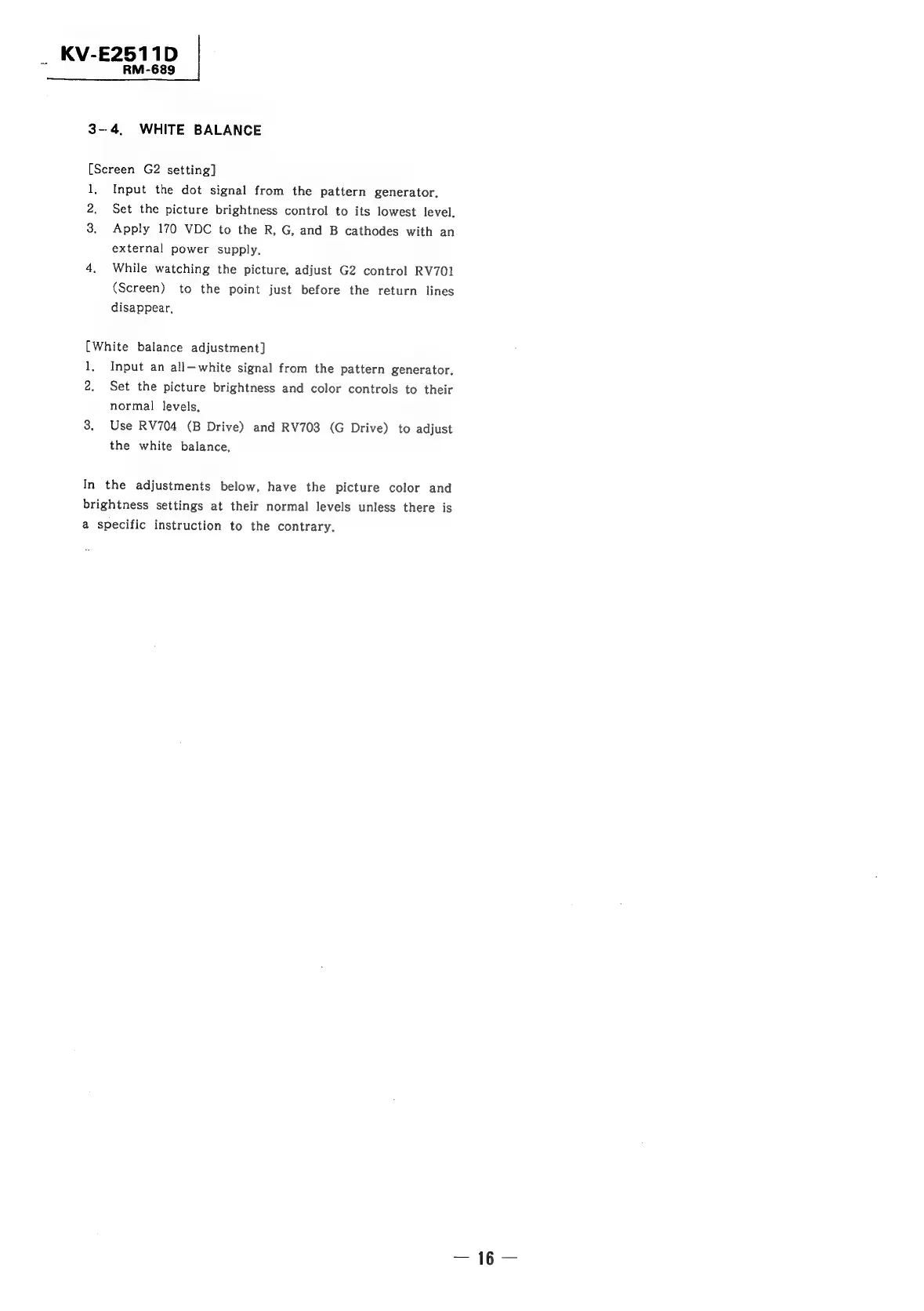
WHITE
BALANCE
[Screen
G2
setting]
1,
2.
3.
Input
the
dot
signal
from
the
pattern
generator,
Set
the
picture
brightness
control
to
its
lowest
level.
Apply
170
VDC
to
the
R,
G,
and
B
cathodes
with
an
external
power
supply.
While
watching
the
picture,
adjust
G2
control
RV701
(Screen)
to
the
point
just
before
the
return
lines
disappear,
[White
balance
adjustment]
1,
2.
Input
an
all-white
signal
from
the
pattern
generator,
Set
the
picture
brightness
and
color
controls
to
their
normal
levels,
Use
RV704
(B
Drive)
and
RV703
(G
Drive)
to
adjust
the
white
balance,
In
the
adjustments
below,
have
the
picture
color
and
brightness
settings
at
their
normal
levels
unless
there
is
a
specific
instruction
to
the
contrary,

Related product manuals