32
Additional Operations
Adjusting the TV (continued)
Skipping program positions
You can skip unused program positions when selecting a program
with the PROGR +/– buttons. However, the skipped programs may
still be called up when you select them with the number buttons.
1
Press MENU.
2
Press M or m to select , then press ENTER.
3
Make sure TV SET UP is selected, then press ENTER.
4
Press M or m to select SKIP, then press ENTER.
5
Press M or m until the program position which you want to skip
appears on the menu, then press ENTER.
6
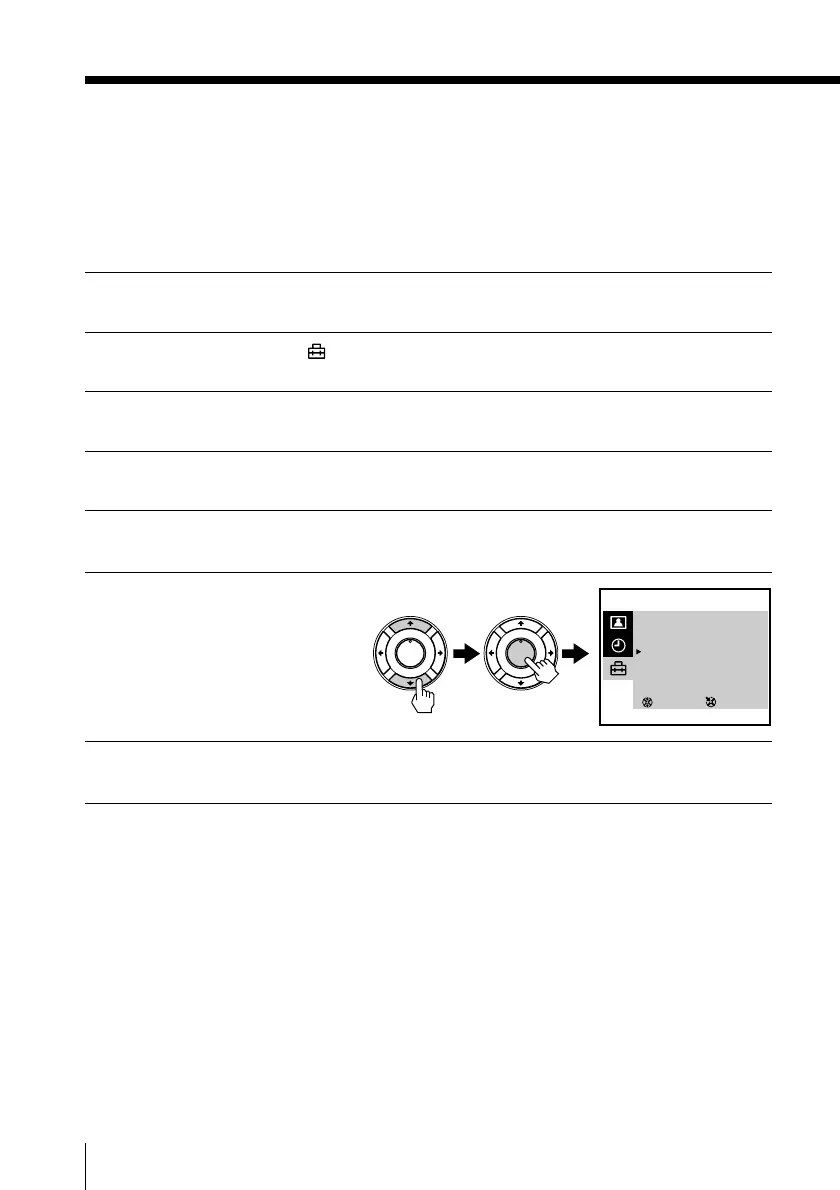
Press M or m to select ON,
then press ENTER.
7
Press ENTER and repeat steps 5 and 6 to skip other program
positions.
To return to the normal screen
Press MENU.
PLAY
ENTER
H
PLAY
ENTER
H
SELECT
TV SET UP
AUTO PROGRAM
MANUAL PROGRAM
SKIP : PR 07 ON
TV SYS : B/G
COL SYS : AUTO
INTELLIGENT VOL : OFF
3
ENTER



 To Next Page