44
Additional Operations
Switching on
automatically
— ON TIMER
You can preset your video TV to
automatically switch on at a desired
time. You can select the TV program,
video playback or input source to be
switched on.
1
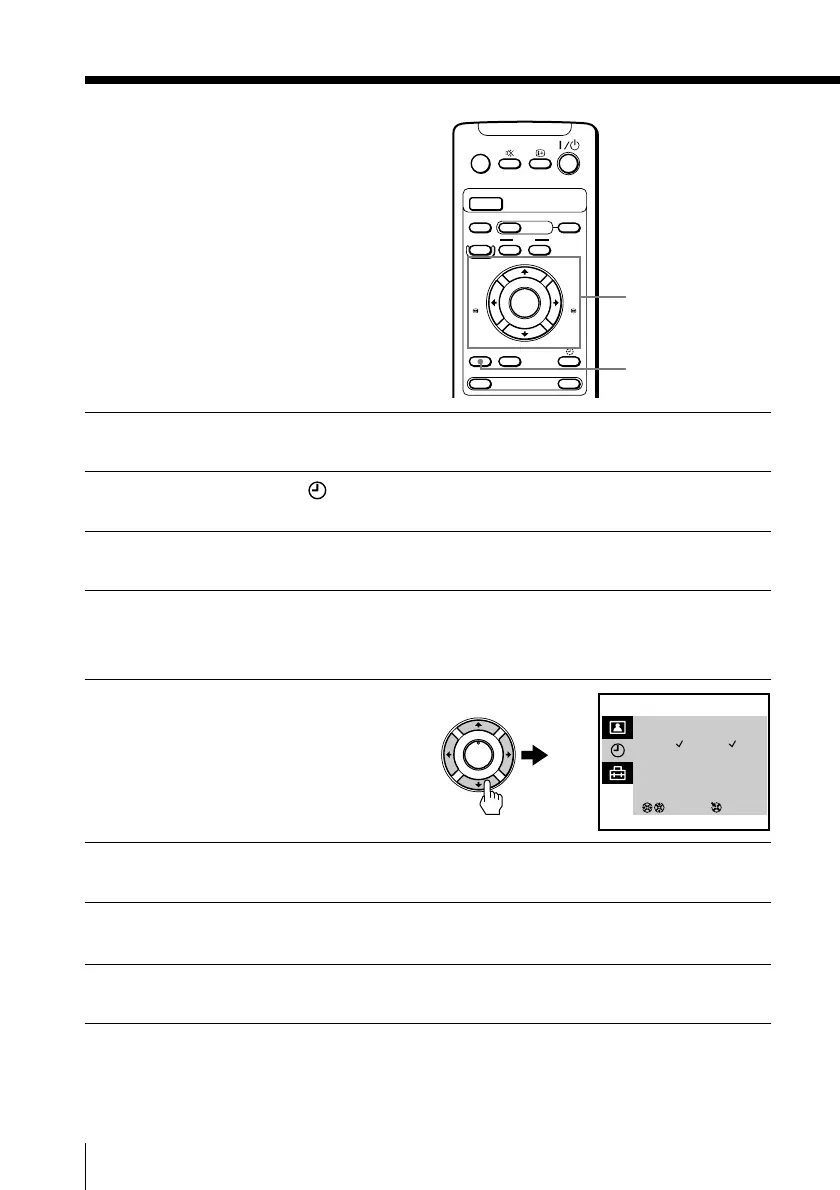
Press MENU.
2
Press M or m to select , then press ENTER.
3
Make sure ON TIMER SET is selected, then press ENTER.
4
Make sure that the cursor appears at DAY, then press ENTER.
The selected item turns red.
5
Press M, m, < or , to
set the timer on (✓) or off
(–) for each day of the
week.
6
Press M or m to select TIME, then press ENTER.
7
Press M or m to set the on-time hour and minute, then press
ENTER.
8
Press M or m to select SOURCE, then press ENTER.
A/B
G-CODE
COUNTER RESET
t
MENU
REW
EJECT
TIMER REC
ON/OFF
TAPE SPEED
INDEX
zREC
GAME
X PAUSE
x STOP
m
FF
M
Z
.>
PLAY
ENTER
PIC MODE
H
M/,/m/</ENTER
MENU
ON TIMER SET
DAY : S M T W T F S
TIME : 10:00
SOURCE : TV PROG 12
ON TIMER : ON
3
SELECT ENTER
___ __







 To Next Page