33
Additional Operations
Adjusting the TV system
If the sound of some channels is abnormal, select the appropriate
TV system for your area.
1
Press MENU.
2
Press M or m to select , then press ENTER.
3
Make sure TV SET UP is selected, then press ENTER.
4
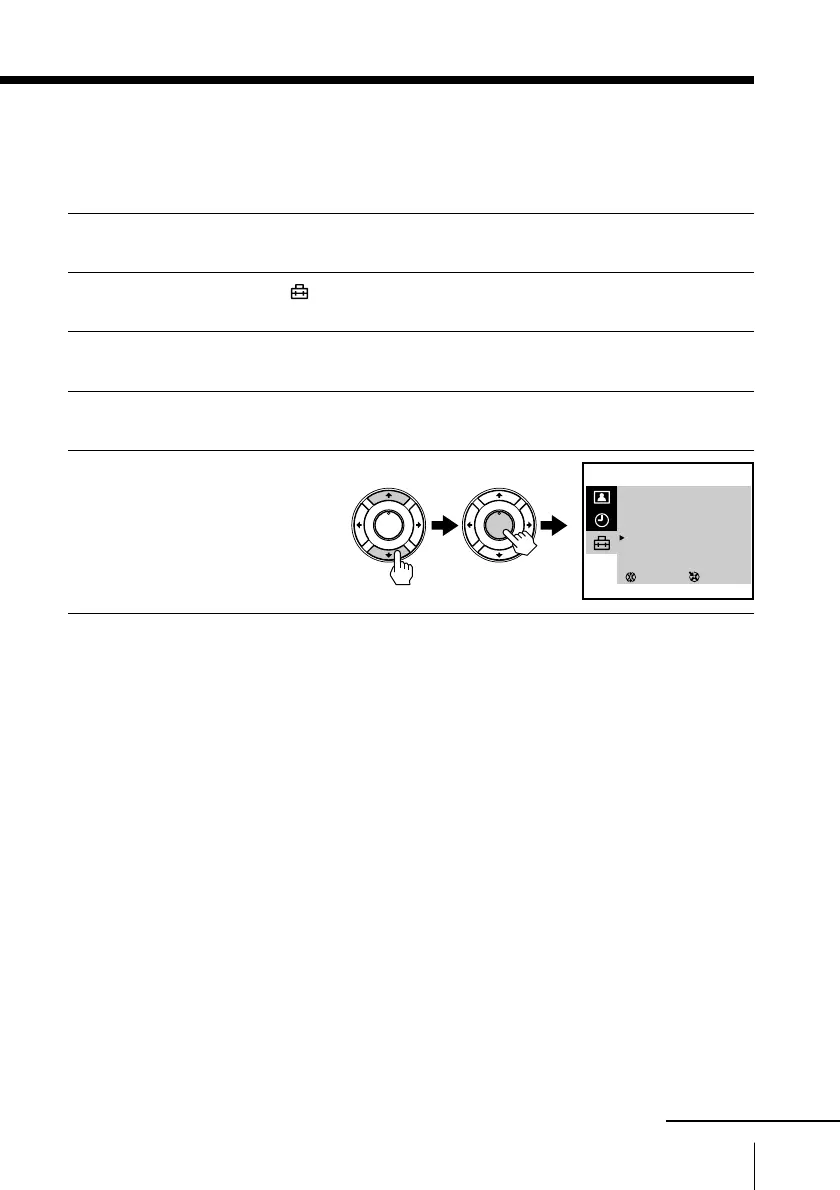
Press M or m to select TV SYS, then press ENTER.
5
Press M or m until the
appropriate TV system
appears on the menu,
then press ENTER.
To return to the normal screen
Press MENU.
SELECT
TV SET UP
AUTO PROGRAM
MANUAL PROGRAM
SKIP : PR 01 OFF
TV SYS : D/K
COL SYS : AUTO
INTELLIGENT VOL : OFF
3
ENTER
PLAY
ENTER
H
PLAY
ENTER
H
continued







 To Next Page