31
Advanced Recording Operations
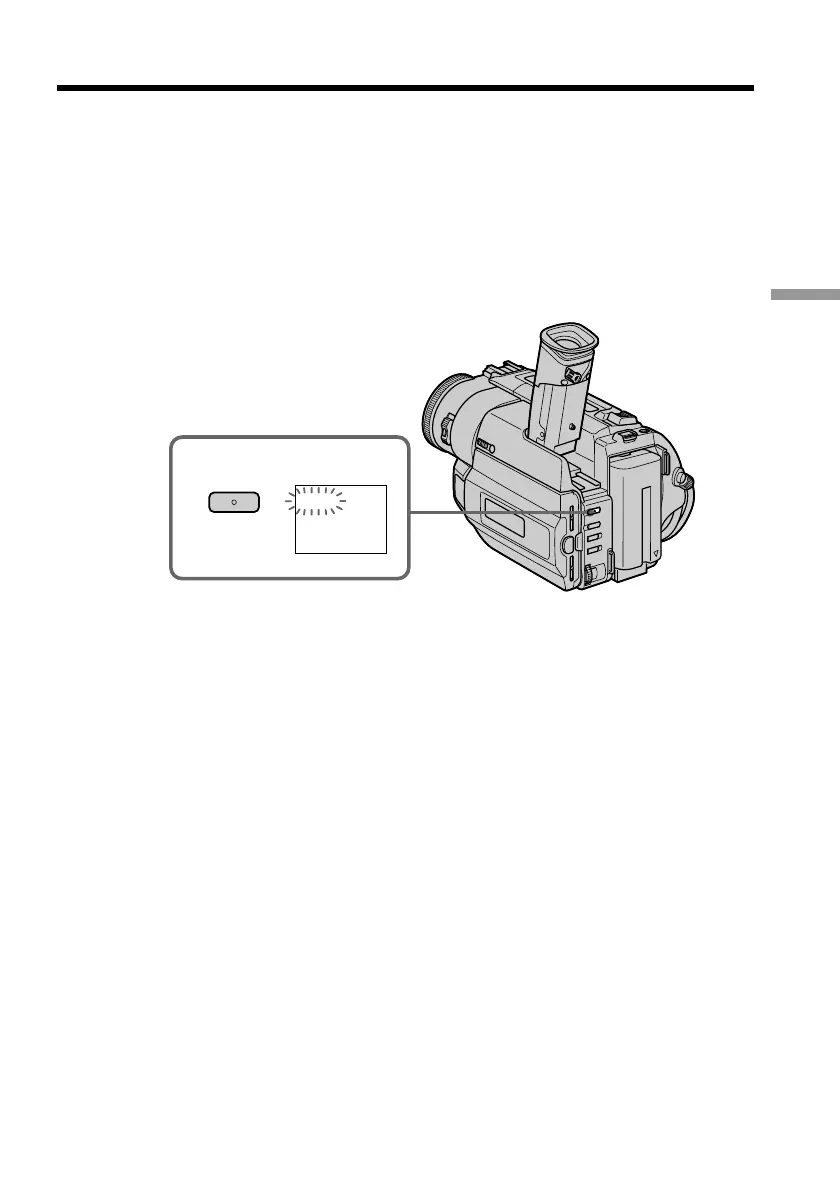
Using the fader function
(1) When fading in [a]
In the standby mode, press FADER until the desired fader indicator flashes.
When fading out [b]
In the recording mode, press FADER until the desired fader indicator flashes.
The indicator changes as follows:
FADER n M.FADER n BOUNCE n MONOTONE n OVERLAP n
no indicator
The last selected fader mode is indicated first of all.
(2) Press START/STOP. The fader indicator stops flashing.
To cancel the fader function
After the fade in/out is carried out : Your camcorder automatically returns to the
normal mode.
Before the fade in/out is carried out : Before pressing START/STOP, press FADER until
the indicator disappears.
1
FADER
FADER












 To Next Page