8
Installing the battery pack
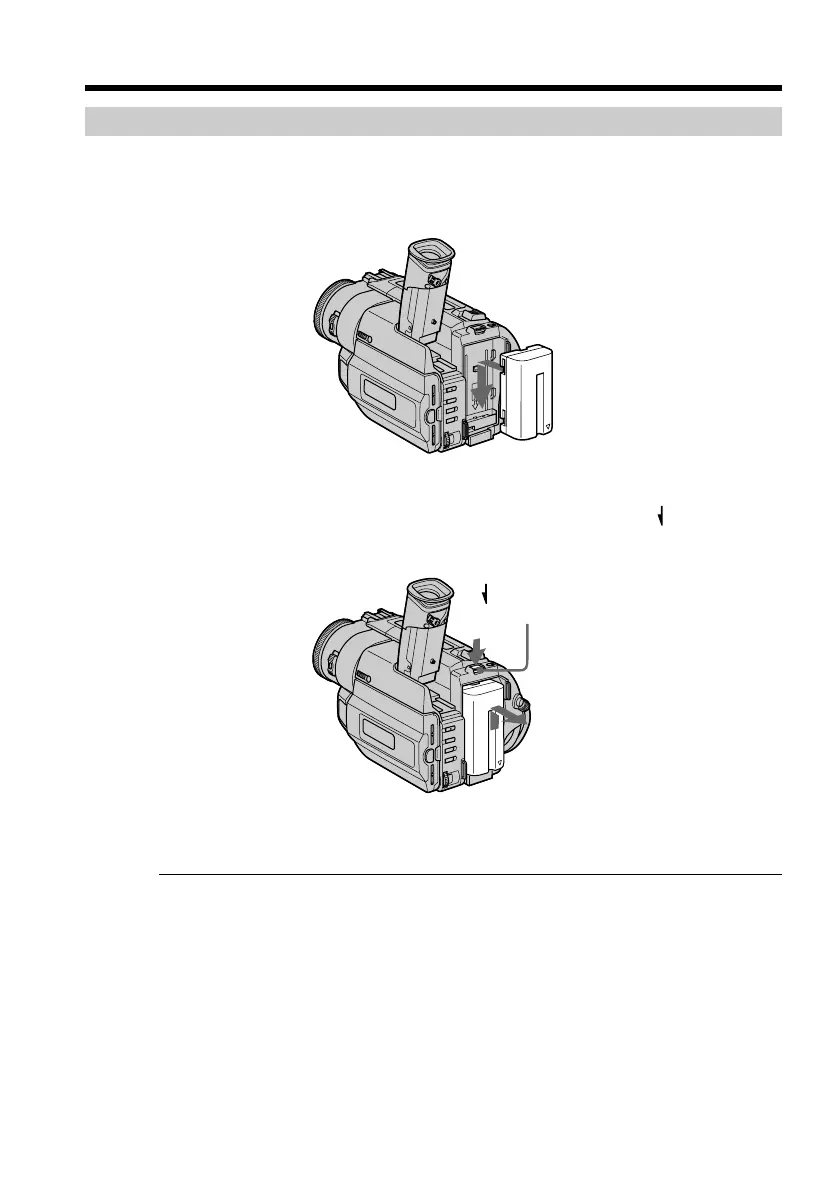
Install the battery pack to use your camcorder outdoors.
Slide the battery pack down.
To remove the battery pack
Slide the battery pack out in the direction of the arrow while pressing BATT
RELEASE down.
After installing the battery pack
Do not carry your camcorder by holding the battery pack. If you do so, the battery pack
may slide off your camcorder unintentionally, damaging your camcorder.
Step 1 Preparing the power supply
BATT RELEASE










 To Next Page