48
Searching for a photo – Photo search/Photo scan
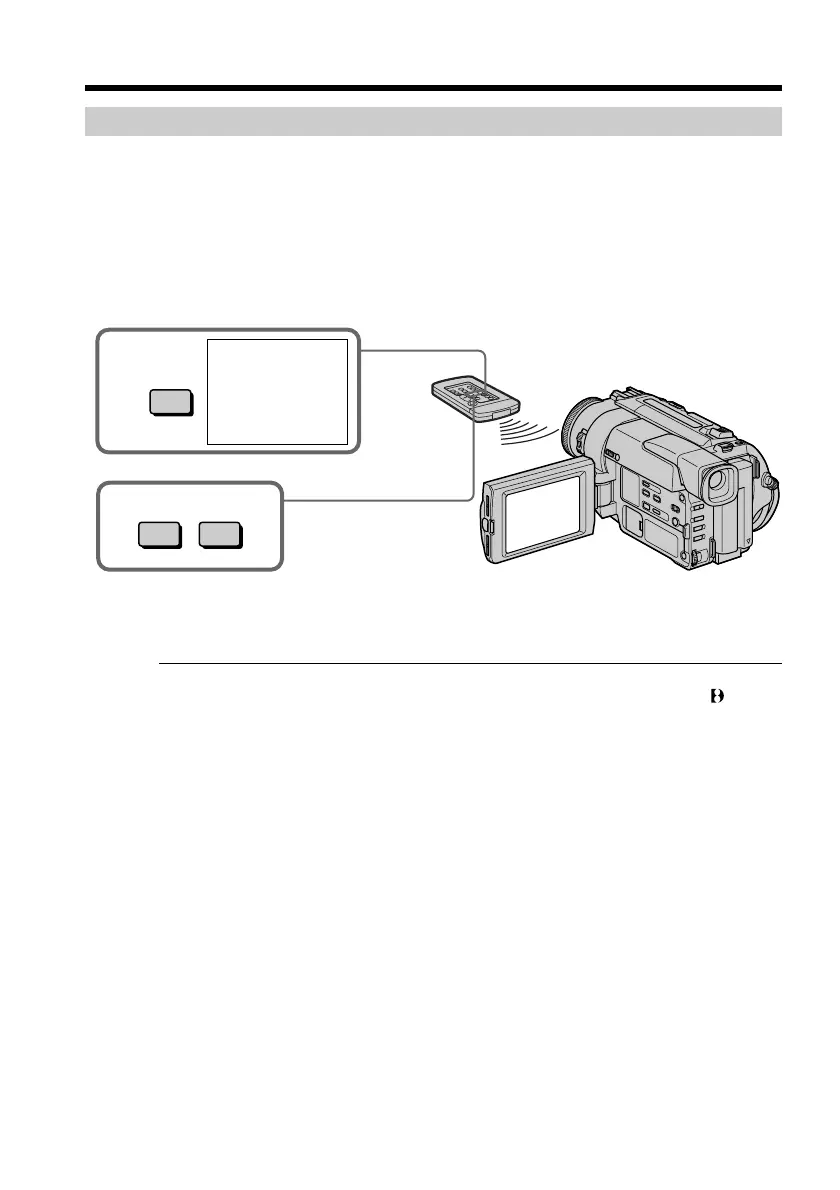
Scanning photo
(1)Set the POWER switch to VTR.
(2)Press SEARCH MODE on the Remote Commander repeatedly, until the photo scan
indicator appears.
The indicator changes as follows:
DATE SEARCH n PHOTO SEARCH n PHOTO SCAN n no indicator
(3)Press = or +.
Each photo is played back for about 5 seconds automatically.
To stop scanning
Press p.
Note
The photo search and photo scan work only for tapes recorded in the Digital8 system.
3
=+
2
SEARCH
MODE
PHOTO
00
SCAN










 To Next Page