21
GB
Selecting the Menu Language
Setting Up and Projecting
Selecting the Menu Language
You can select one of nine languages for displaying the menu and other on-
screen displays. The factory setting is English.
To change the menu language, proceed as follows:
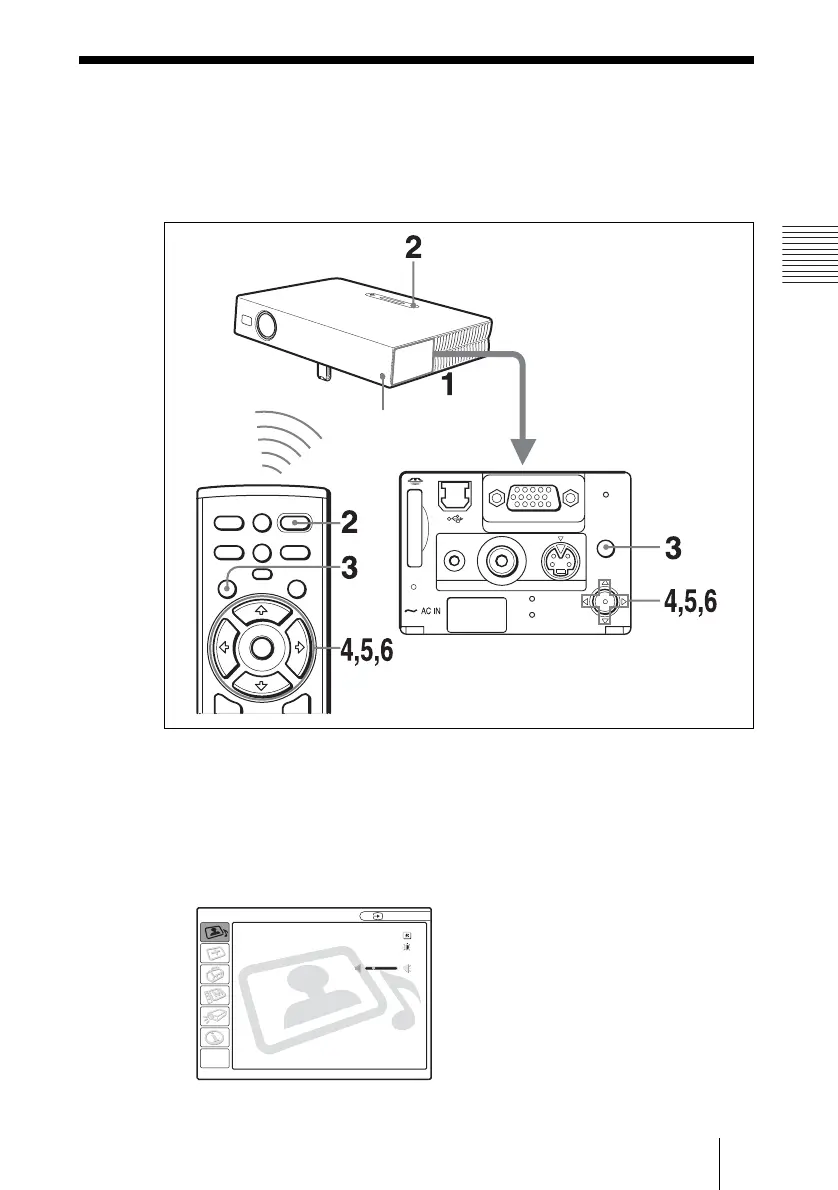
1 Open the connector panel, then plug the AC power cord into a wall outlet.
2 Press the I / 1 key to turn on the projector.
3 Press the MENU key.
The menu appears.
The menu presently selected is shown as a yellow button.
I / 1
INPUT
FREEZE
MENU ENTER
KEYSTONE
MS SLIDE
APA
PIC
MUTING
ACCESS
AUDIO VIDEO
POWER
SAVING
MENU
PUSH
ENTER
S VIDEO
TEMP/FAN
LAMP/COVER
INPUT A
Front remote
control detector
PICTURE SETTING
Picture Mode: Standard
Adjust Picture...
Volume: 30
Input A



 To Next Page