32
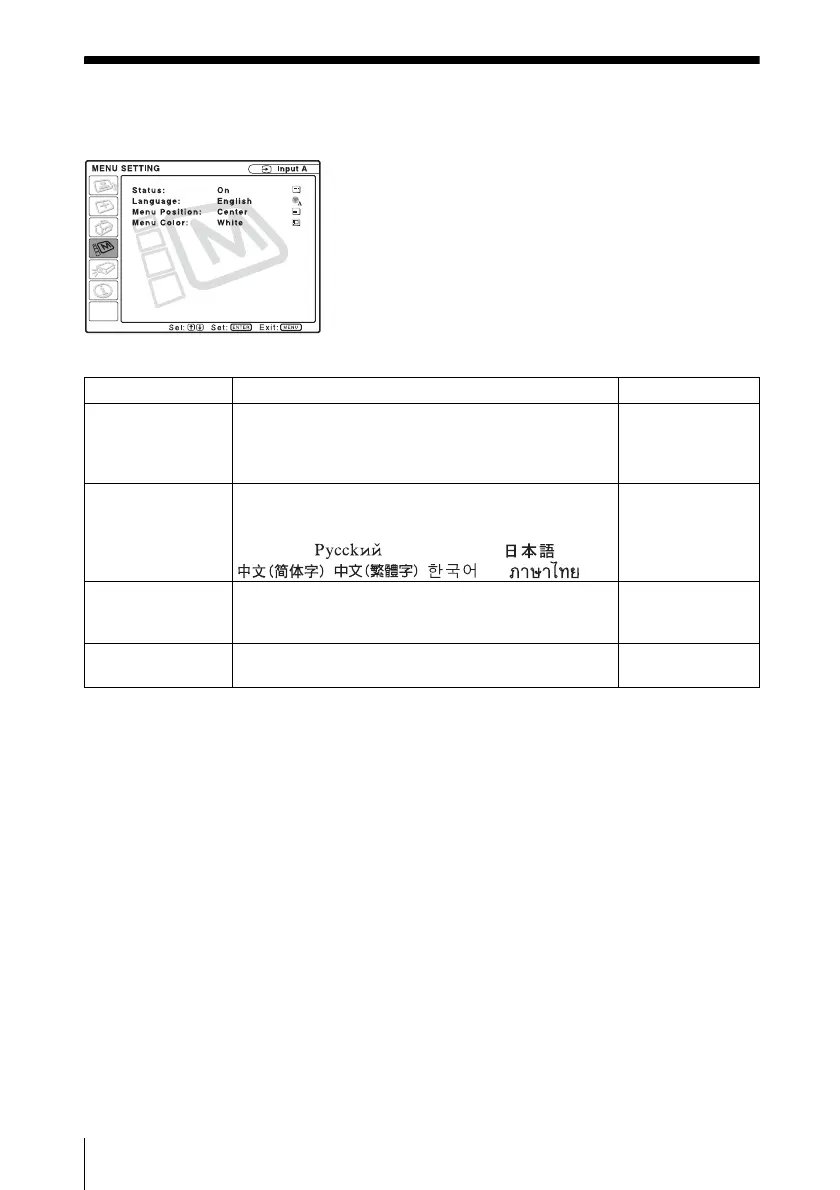
The MENU SETTING Menu
The MENU SETTING Menu
The MENU SETTING menu is used for changing the menu displays.
Setting items Functions Initial setting
Status (on-screen
display)
Sets up the on-screen display.
When set to “Off,” turns off the on-screen displays
except for the menus, a message when the power is
turned off, and warning messages.
On
Language Selects the language used in the menu and on-screen
displays. The languages available are: English,
Nederlands, Français, Italiano, Deutsch, Español,
Português, , Svenska, Norsk, ,
, , and .
English
Menu Position Selects the display position of the menu from “Top
Left,” “Bottom Left,” “Center,” “Top Right,” and
“Bottom Right.”
Center
Menu Color Selects the tone of the menu display from “Black” or
“White.”
White



 To Next Page