EasyManua.ls Logo

Sony VPL-EX175 - Page 70

Sony VPL-EX175
88 pages
Print Icon
To Next Page IconTo Next Page
To Previous Page IconTo Previous Page
Loading...
3-4 (E)
VPL-EX100
3
Yes
No
No
No
Yes
Yes
End
Yes
No
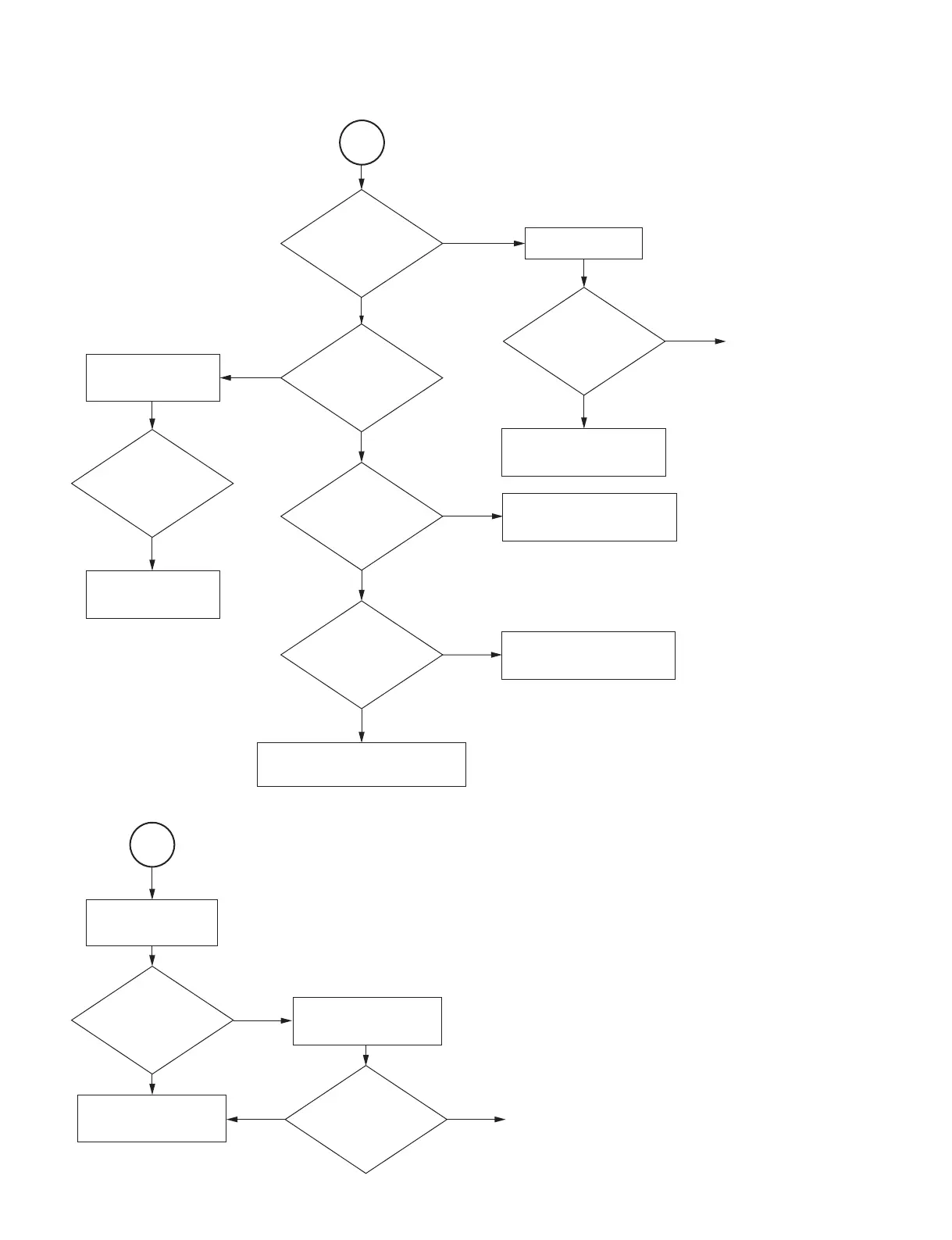
Is screen dark ?
Is the color abnormal?
Does screen flicker ?
Does the
IR remote control
not function ?
Is screen
bright normal ?
No
Check the NFTA board and
harness.
Yes
No problem. The set is normal.
Check another device and cable.
Replace the S prism
block assembly.
Perform the V COM
adjustment.
Clean the lens and
the panel to remove dust.
Replace the lamp.
No
Does the unit recover?
Replace the main
board.
No
Yes
Does the
flexible flat cable
connect securely?
Check the LCD
connectors.
Connect the flexible flat
cable securely?
Replace the main board
or optical block.
Yes
End
No
Does the unit recover?
4

Table of Contents

Other manuals for Sony VPL-EX175

Related product manuals